Trading account fraud protection starts with recognizing suspicious messages and calls that impersonate trading platforms to obtain passwords, verification codes, or personal information. Staying alert is particularly important during promotional periods such as Black Friday and Cyber Monday, when scammers may take advantage of special offers to send fraudulent messages. Evest provides essential security guidelines to help traders identify potential scams, protect sensitive account information, and communicate safely through official channels.
How Can You Identify Online Trading Scams?
Scammers may use emails, text messages, or phone calls to impersonate representatives of legitimate trading platforms. Their primary goal is often to convince traders to disclose sensitive information or take actions that could compromise their accounts.
Common warning signs include:
Messages requesting your trading account password or verification codes.
Calls from individuals claiming to represent Evest and asking for sensitive personal information.
Unfamiliar links directing you to log in or update account details.
Urgent messages pressuring you to act immediately without verifying the sender’s identity.
How Can You Protect Your Trading Account from Fraud?
Evest recommends following essential security practices to protect account information and reduce the risk of online fraud, including:
Keep Account Information Confidential: Never share your passwords or verification codes, even with individuals claiming to represent Evest.
Verify Suspicious Communications: If you receive an unexpected message or call, contact your Account Manager through a trusted communication channel to confirm its authenticity.
Use Official Communication Channels: Access the official Evest website directly rather than clicking links in unverified messages.
Strengthen Login Security: Use strong passwords and enable available account security features, such as Two-Factor Authentication (2FA).
Evest emphasizes that you should never share your account passwords or verification codes with anyone.
What Should You Do If You Receive a Suspicious Message Claiming to Be from Evest?
If you receive a message claiming to represent Evest and requesting sensitive information, do not share any details before verifying the sender’s identity. Avoid clicking suspicious links or following instructions from untrusted sources.
You can verify communications through Evest’s official channels:
Account Manager: Contact your Account Manager through an established official communication channel.
If you suspect unauthorized access to your account, change your password immediately and contact Evest Support to report the suspicious activity.
Keep Your Trading Account Secure with Evest
Evest emphasizes the importance of protecting personal information and trading account credentials by avoiding requests from unverified sources. Whenever you receive suspicious communications, contacting Evest through official channels is an essential step toward confirming their authenticity and preventing potential fraud.
FAQs
Can Scammers Send Fake Messages Using Evest's Name?
Yes, scammers may impersonate Evest or use its branding to send messages that appear legitimate and attempt to obtain account information. Therefore, seeing the company's name does not guarantee authenticity. Always verify unexpected communications through Evest's official channels before sharing information or taking action.
Does Evest Request Passwords or Verification Codes Through WhatsApp?
No, Evest states that it does not request sensitive information, including passwords, verification codes, or account credentials, through WhatsApp. If you receive such a request, avoid sharing your information and contact Evest through its official support channels to verify the sender's identity.
What Should I Do If I Enter My Account Details on a Phishing Website?
Immediately change your password using Evest's official website or application. Review the devices associated with your account for unauthorized access and contact Evest Support to report the incident. Taking prompt action can help reduce the risk of further unauthorized activity.
How Can I Detect Unauthorized Login Attempts on My Evest Account?
You can review the trusted devices linked to your account through Evest's available security settings. If you notice an unfamiliar device or unusual account activity, change your password immediately and contact customer support for assistance in securing your account.
Can a Fraudulent Message Be Dangerous Even Without a Suspicious Link?
Yes, some phishing attempts rely on phone calls or messages requesting sensitive information directly rather than directing users to suspicious websites. Always remain cautious when someone asks for account credentials or verification codes, even if the communication appears professional or comes from a familiar name.
The Anthropic IPO is attracting growing attention as the company behind Claude AI moves toward a potential stock market debut. Anthropic has officially filed for an initial public offering in the United States, with plans to list its shares on Nasdaq. The proposed listing could provide investors with an opportunity to gain direct exposure to a company operating in the rapidly expanding artificial intelligence industry.
As the IPO process advances, questions surrounding the Anthropic IPO date, stock price, and trading availability remain central to investor interest. Follow the latest developments with Evest and discover what to consider before Anthropic shares begin trading.
Anthropic: The AI Company Attracting Investor Attention
Founded in 2021, Anthropic is an artificial intelligence company best known for developing Claude, a family of AI models designed to support writing, coding, data analysis, research, and complex business tasks.
The company has gained attention through its technological developments, growing enterprise adoption, and strategic relationships with major technology companies.
On October 26, 2026, Anthropic officially filed a Form S-1 registration statement with the U.S. Securities and Exchange Commission (SEC), marking a significant step toward its planned initial public offering.
An amended filing followed on November 2, 2026. However, the final offering price, number of shares, and confirmed trading date have not yet been announced.
Latest Anthropic IPO Updates and Expected Listing Date
Anthropic has progressed from IPO speculation to the formal regulatory filing process, bringing the company closer to a potential public market listing.
According to its official filings, as of November 4, 2026:
Planned Exchange: Nasdaq Global Select Market.
Proposed Stock Ticker: ANT.
IPO Status: Registration statement filed and subsequently amended; not yet effective.
IPO Share Price: Not officially announced.
First Trading Date: Not yet confirmed.
Although reports have suggested a possible November 2026 offering, the final timing remains subject to regulatory requirements and market conditions.
Investors should follow official company announcements and SEC filings for confirmed information rather than relying on speculative IPO dates or estimated prices.
Why Is Anthropic Stock Attracting Attention?
Interest in the Anthropic IPO is closely linked to the company’s position in artificial intelligence and its potential to expand the commercial use of advanced AI technologies.
Claude AI: Anthropic develops the Claude family of artificial intelligence models, supporting individuals and organizations with coding, content generation, data analysis, and other complex tasks.
Technological Innovation: The company invests in improving AI capabilities, computational infrastructure, model performance, reliability, and safety.
Enterprise AI Solutions: Anthropic provides AI tools designed to help businesses integrate artificial intelligence into their operations, automate workflows, and improve productivity.
Growth in the AI Industry: The proposed IPOwould provide investors with an opportunity to assess a publicly traded company focused on AI development. However, potential growth must be weighed against competition, operating expenses, and financial risks.
How to Prepare for Anthropic Stock Trading with Evest?
Investors interested in Anthropic shares can prepare ahead of the potential market debut. However, the availability of Anthropic stock on Evest will depend on its official listing and whether the instrument is added to the platform.
Open a Trading Account: Register with Evest and complete the required account verification procedures before accessing the available financial markets.
Fund Your Account: Choose a supported deposit method and review the applicable minimum deposit requirements, account conditions, and potential charges before transferring funds.
Follow Anthropic IPO Updates: Monitor official announcements regarding the IPO price, listing date, and start of trading. Check whether Anthropic stock becomes available on the Evest platform following its market debut.
Assess Trading Risks: Review market volatility, liquidity, trading costs, and your financial risk tolerance before opening a position, particularly during the first trading sessions following an IPO.
Important: Anthropic shares are not currently confirmed as available for trading on Evest. Instrument availability, trading conditions, and product types may vary by account and jurisdiction.
What Are the Risks of Trading Anthropic Stock?
Anthropic shares could experience significant price fluctuations following their public market debut, especially given investor interest in artificial intelligence and uncertainty surrounding the company’s valuation. Several factors deserve consideration before trading.
Post-IPO Price Volatility: The market price may differ considerably from the initial offering price. Significant buying and selling activity could result in sharp price movements during early trading sessions.
High Operating Costs: Developing advanced AI models requires substantial investment in computing infrastructure, energy resources, research, and specialized technical talent.
Industry Competition: Anthropic competes with other companies developing commercial and open-source AI systems. Changes in technology, pricing, or customer demand may influence its competitive position.
Valuation Risk: A high IPO valuation may increase pressure on the company to meet investor expectations. If revenue growth, profitability, or operating performance falls below expectations, its share price could decline.
Investors should also review Anthropic’s published financial disclosures, including revenue growth, operating losses, and infrastructure-related commitments, before evaluating the investment.
FAQs
When Is the Anthropic IPO Date?
Anthropic filed its initial IPO registration statement with the SEC on October 26, 2026, followed by an amended filing on November 2, 2026. Although market reports have suggested a possible offering during November, the company has not confirmed a final listing date as of November 4, 2026. The timeline remains subject to regulatory procedures and market conditions.
What Is the Anthropic Stock Ticker Symbol?
Anthropic has proposed the ticker symbol ANT for its planned listing on the Nasdaq Global Select Market. The symbol appears in the company's official IPO registration documentation. However, the assignment of a proposed ticker does not mean that Anthropic shares are already publicly traded or available for purchase through stock exchanges.
Can I Buy Anthropic Stock Before Its IPO?
Anthropic shares are not available for ordinary public stock exchange trading before the company completes its listing. Certain private-market transactions may be accessible to eligible investors, subject to legal restrictions and specific requirements. These transactions differ from purchasing publicly traded shares. Filing for an IPO does not automatically make company stock available to retail investors.
What Will the Anthropic IPO Stock Price Be?
Anthropic has not announced its final IPO share price as of November 4, 2026. The offering price will depend on several factors, including company valuation, investor demand, the number of shares offered, and overall market conditions. Reported private-market valuations should not be confused with an official IPO price or the stock's future trading value.
Will Anthropic Stock Be Available on Evest?
Anthropic stock availability on Evest will depend on the completion of its public listing and whether the instrument is subsequently offered through the platform. Investors should check the available instruments, product type, and applicable trading conditions after the listing is announced. Opening a trading account does not guarantee access to any particular stock.
Bitcoin Cash is a cryptocurrency designed to support peer-to-peer digital payments, offering a different approach to transaction processing compared with Bitcoin. Although both cryptocurrencies share a common origin and use blockchain technology, they differ in network capacity, transaction efficiency, and intended use.
Understanding what Bitcoin Cash is and how it differs from Bitcoin helps investors evaluate its role in the cryptocurrency market. Through Evest, investors can explore cryptocurrency market developments and gain insights into price movements and trading risks. This article explains the key differences between Bitcoin Cash and Bitcoin, their underlying technology, and the factors influencing investment decisions.
What Is Bitcoin Cash?
Bitcoin Cash (BCH) is a decentralized digital cryptocurrency created from Bitcoin through a blockchain split, commonly known as a hard fork. Its purpose is to support peer-to-peer electronic payments while addressing some of the transaction-processing limitations associated with the original Bitcoin network.
Like Bitcoin, Bitcoin Cash operates through blockchain technology, which records and verifies transactions across a distributed network rather than relying on a central financial authority. This structure allows participants to transfer digital value through a system based on cryptographic verification.
The main distinction lies in the way Bitcoin Cash approaches transaction capacity. Its design prioritizes processing more transactions directly on the blockchain, making payment efficiency an important part of its intended use.
However, the technical purpose of a cryptocurrency does not automatically determine its investment value. Market demand, adoption, liquidity, and investor sentiment remain important factors influencing how digital assets perform.
What Is Bitcoin Cash vs Bitcoin?
Bitcoin Cash and Bitcoin are separate cryptocurrencies that share a common history but operate on different blockchain networks. Bitcoin was introduced in 2009, while Bitcoin Cash emerged later with a stronger focus on transaction efficiency and everyday digital payments.
Comparison Factor
Bitcoin (BTC)
Bitcoin Cash (BCH)
Primary Purpose
Widely recognized as a digital investment asset and store of value.
Focuses on facilitating peer-to-peer digital payments.
Transaction Processing
Uses smaller base-layer blocks, with additional scaling solutions available.
Uses larger block capacity to process more transaction data directly on its blockchain.
Network Scalability
Uses a combination of base-layer development and off-chain solutions.
Transaction fees and confirmation times vary depending on network congestion.
Aims to support efficient transfers and lower fees, depending on network conditions.
Market Position
Has a more established presence in the cryptocurrency market.
Operates as a separate cryptocurrency with its own market demand and price movements.
Investment Considerations
Exposed to price volatility, liquidity changes, and market sentiment.
Also exposed to price volatility, liquidity changes, and market sentiment.
Why Was Bitcoin Cash Created?
Bitcoin Cash was created to address Bitcoin’s scalability challenges and improve its ability to handle growing transaction demand. As cryptocurrency adoption increased, disagreements emerged over how the Bitcoin network should process more transactions efficiently.
The main reasons behind the creation of Bitcoin Cash include:
Blockchain Scalability: Bitcoin Cash was developed to address limitations in transaction capacity as the number of users and transactions increased.
Larger Block Capacity: Its design allows more transaction data to be included in each block, supporting greater on-chain transaction processing capacity.
Transaction Efficiency: Bitcoin Cash aims to reduce network congestion and support faster, more affordable digital transfers, although actual performance depends on network conditions.
Peer-to-Peer Payments: The cryptocurrency emphasizes the use of blockchain technology for everyday digital payments and direct transfers between users.
Different Development Priorities: Disagreements over Bitcoin’s scalability approach led to a hard fork, creating two independent blockchain networks with different technical priorities.
As a result, Bitcoin Cash became a separate cryptocurrency with its own blockchain, transaction history, and market price. Although it shares its origins with Bitcoin, its development reflects a different approach to improving cryptocurrency transaction capacity and payment functionality.
How Does Bitcoin Cash Work?
Bitcoin Cash operates through a decentralized blockchain network that records and verifies digital transactions without relying on a central financial institution. It uses cryptographic technology and a distributed network of participants to maintain transaction security and accuracy.
The Bitcoin Cash transaction process involves several key steps:
Transaction Initiation: A user sends Bitcoin Cash (BCH) from a digital wallet to another wallet address, initiating a transfer across the network.
Transaction Verification: The transaction is broadcast to the network, where participants check its validity according to the blockchain’s established rules.
Block Confirmation: Valid transactions are included in blocks through a process known as mining, which uses a Proof-of-Work consensus mechanism.
Blockchain Recording: Once a block is accepted by the network, its transactions become part of the blockchain’s permanent transaction history.
Transaction Completion: As additional blocks are added, the transaction receives further confirmations, increasing confidence in its finality.
A key feature of Bitcoin Cash is its larger block capacity, which allows more transaction data to be processed directly on the blockchain. This approach aims to improve transaction efficiency and reduce congestion, although actual processing times and fees depend on network conditions.
While Bitcoin Cash is designed to support peer-to-peer digital payments, its practical usefulness also depends on adoption, network activity, and acceptance by individuals and businesses.
Does Bitcoin Cash Have a Future?
Bitcoin Cash may have a future in the cryptocurrency market, particularly as a digital asset designed for peer-to-peer payments. However, its long-term growth depends on adoption, technological development, market demand, and regulatory conditions. Its continued use as a payment network does not guarantee an increase in its market value.
Several factors could influence the future of Bitcoin Cash:
Growing Cryptocurrency Adoption: Increased interest in decentralized digital payments could support the continued relevance of Bitcoin Cash as a payment-focused cryptocurrency.
Technological Development: Improvements in blockchain functionality, network efficiency, and transaction processing could strengthen the cryptocurrency’s practical usefulness.
Market Demand and Investor Confidence: Sustained trading interest and positive market sentiment may influence Bitcoin Cash’s valuation, although cryptocurrency prices remain highly unpredictable.
Network Activity and Real-World Usage: Greater transaction activity and broader acceptance of Bitcoin Cash for payments could contribute to its long-term adoption.
Regulatory Developments: Changes in cryptocurrency regulations may affect market accessibility, investor participation, and the future growth of digital assets.
Market Liquidity and Competition: Bitcoin Cash’s future also depends on its ability to maintain sufficient liquidity and attract users within an evolving cryptocurrency market.
Despite these potential developments, the future of Bitcoin Cash remains uncertain, as technological usefulness and market adoption do not necessarily translate into sustained price appreciation. Investors following cryptocurrency developments through Evest should consider market volatility, long-term trends, and potential financial risks before making investment decisions.
What Factors Influence Bitcoin Cash Price Movements?
Bitcoin Cash price movements are influenced by market supply and demand, cryptocurrency sentiment, trading activity, and developments affecting the wider digital asset sector. These influences can produce substantial price fluctuations over relatively short periods.
1- Market Sentiment and Investor Demand
Investor confidence can affect demand for Bitcoin Cash. Periods of optimism about cryptocurrency adoption may encourage additional market participation, while uncertainty can lead investors to reduce their exposure to volatile assets.
2- Cryptocurrency Market Trends
Bitcoin Cash operates within the broader cryptocurrency market, where changes in market sentiment can influence multiple digital assets. A strong market trend may support buying interest, although individual cryptocurrencies do not always move in the same direction or by the same amount.
3- Network Development and Adoption
Developments related to blockchain functionality, practical usage, and transaction activity may influence how investors evaluate Bitcoin Cash. However, the impact of such developments on market prices is not automatic and can vary according to market expectations.
4- Liquidity and Trading Activity
Liquidity affects how easily an asset can be bought or sold without significantly influencing its market price. Changes in trading volume and liquidity conditions can contribute to price instability, particularly during periods of heightened market activity.
Understanding these factors helps investors distinguish between a temporary market movement and developments that could have longer-term implications for cryptocurrency demand.
Is Bitcoin Cash a Good Buy?
Bitcoin Cash may be worth evaluating as a cryptocurrency investment, but whether it is a good buy depends on its market valuation, the investor’s objectives, and their ability to tolerate financial losses. Its association with Bitcoin and its focus on digital payments do not, by themselves, establish that it represents an attractive investment.
A meaningful evaluation should consider both the cryptocurrency’s intended use and its behavior as a traded asset. Factors such as price volatility, liquidity, and broader market trends can influence the risks associated with entering a position.
Investors should also distinguish between short-term trading opportunities and long-term investment expectations. A cryptocurrency might experience significant price increases during periods of strong market demand, yet remain vulnerable to sudden declines when sentiment changes.
Evest’s educational market content highlights the importance of market analysis, risk management, and avoiding decisions driven primarily by emotional reactions to price movements.
Consequently, an investment decision should be based on a clearly defined strategy rather than expectations of guaranteed price appreciation.
Should I Buy Bitcoin Cash?
Buying Bitcoin Cash is a decision that should be based on personal investment goals, available capital, market conditions, and risk tolerance. Investors should first determine whether exposure to a volatile cryptocurrency is consistent with their broader financial circumstances.
Before considering a purchase, several factors deserve attention:
Investment objective: Establish whether the intended position is based on a short-term trading strategy or a longer-term view of cryptocurrency adoption.
Market conditions: Examine current price behavior, trading volume, and broader cryptocurrency trends rather than relying only on previous performance.
Risk tolerance: Consider the potential financial consequences of a substantial decline in the cryptocurrency’s market value.
Position size: Determine an appropriate level of exposure without placing essential financial resources at unnecessary risk.
Trading costs and conditions: Review the applicable terms of the chosen financial instrument before entering a transaction.
It is equally important to distinguish between acquiring a cryptocurrency directly and trading a financial instrument linked to its price. These arrangements can involve different ownership rights, costs, and risk characteristics.
For this reason, the decision to invest should follow an understanding of the specific instrument involved, rather than relying solely on expectations about the underlying cryptocurrency.
What Are the Risks of Investing in Bitcoin Cash?
Investing in Bitcoin Cash involves significant financial risks due to cryptocurrency market volatility, changing investor sentiment, and potential security concerns. Although Bitcoin Cash is designed to support digital payments, its technical functionality does not guarantee price stability or investment returns.
The main risks associated with investing in Bitcoin Cash include:
Price Volatility: Bitcoin Cash can experience rapid price fluctuations, potentially resulting in substantial financial losses over short periods.
Market Uncertainty: Changes in investor sentiment, cryptocurrency demand, and broader financial market conditions can influence Bitcoin Cash prices unpredictably.
Liquidity Risk: Lower trading activity or reduced market liquidity may make it more difficult to execute transactions at expected prices, particularly during volatile periods.
Regulatory Risk: Changes in cryptocurrency regulations or government policies may affect market accessibility, trading activity, and investor confidence.
Security Risks: Cryptocurrency ownership involves potential vulnerabilities related to digital wallets, private keys, and unauthorized access, while confirmed blockchain transactions are generally irreversible.
Leverage and Trading Risks: Investors using derivative instruments may face additional risks associated with leverage, margin requirements, and sudden market movements. Evest’s risk disclosures highlight that leveraged trading can result in significant financial losses.
Understanding these risks is essential before investing in Bitcoin Cash. Investors should carefully evaluate market conditions, choose an appropriate level of exposure, and apply risk managementstrategies that align with their financial objectives and tolerance for potential losses.
FAQs
Is Bitcoin Cash the Same Cryptocurrency as Bitcoin?
No, Bitcoin Cash and Bitcoin are independent cryptocurrencies. Although they share a common origin, they operate on separate blockchain networks and have distinct market prices and transaction histories.
Can Bitcoin Cash Be Used for Digital Payments?
Yes, Bitcoin Cash is designed to facilitate peer-to-peer digital payments. Its emphasis on transaction capacity supports this intended use, although practical acceptance depends on the individuals and businesses involved.
Does Bitcoin Cash Have Its Own Market Price?
Yes, Bitcoin Cash has its own market price, which is determined by trading activity and market supply and demand. Its value can move independently of Bitcoin, even when both assets are affected by broader cryptocurrency trends.
Can Bitcoin Cash Transactions Be Reversed?
Confirmed cryptocurrency transactions are generally not reversible in the same way as conventional payment cancellations. Users should therefore verify transaction information carefully before authorizing transfers.
Is Bitcoin Cash Suitable for Beginner Investors?
Bitcoin Cash may be studied by beginners interested in cryptocurrency markets, but it involves significant volatility and financial risk. Understanding blockchain fundamentals, market analysis, and risk management is important before considering investment exposure.
The Mexican peso (MXN) is influenced by economic conditions, monetary policies, global events, and investor sentiment. Understanding what moves the Mexican peso requires examining interest rates, inflation, economic growth, oil prices, and US economic developments, which collectively shape the USD/MXN exchange rate.
Changes in these factors can strengthen or weaken the peso, depending on market expectations and investor confidence.
For traders using Evest, understanding these influences provides valuable insight into currency fluctuations and market risks. Since USD/MXN represents the US dollar’s value against the Mexican peso, its movements reflect economic developments and monetary conditions in both countries.
What Moves the Mexican Peso?
The Mexican peso moves according to changes in the supply of and demand for the currency in foreign exchange markets. Those changes reflect investor expectations about Mexico’s economic performance, the returns available on peso-denominated assets, and the outlook for the US dollar.
The main influences can be grouped into five categories:
Domestic economic indicators: Inflation, economic growth, and employment data shape expectations about Mexico’s economy.
Political conditions: Policy uncertainty can change perceptions of investment risk.
International trade and oil prices: External economic developments can influence Mexico’s financial outlook.
Global capital movements: Changes in investor risk appetite can affect demand for the peso.
The impact of these factors depends on market expectations. Even a positive economic announcement may have a limited effect if investors have already anticipated it.
What Factors Influence the Strength of the Mexican Peso?
The strength of the Mexican peso is influenced by interest rate differentials, investor confidence, and the perceived stability of Mexico’s economic environment. These factors help determine whether international investors consider holding assets denominated in pesos attractive.
Interest Rates and Monetary Policy
Interest rate differences between Mexico and the United States can influence demand for the peso. When Mexican interest rates offer relatively attractive returns, international investors may increase their exposure to peso-denominated investments.
However, investors also evaluate inflation, exchange rate risks, and expected policy changes. A higher interest rate does not necessarily compensate for potential currency depreciation.
Consequently, the relationship between the two countries’ monetary policies matters more than examining Mexico’s interest rates in isolation.
Economic and Political Stability
Stable economic policies and a predictable regulatory environment can support investor confidence. Political uncertainty, unexpected policy changes, or concerns about economic management may increase the perceived risks associated with Mexican assets.
Evest identifies Mexico’s domestic economic and political stability as a factor affecting USD/MXN. Political developments are therefore relevant when assessing changes in investor confidence and longer-term currency expectations.
Capital Flows and Investor Sentiment
Capital flows reflect international investment moving into or out of a country’s financial assets. When foreign demand for Mexican investments increases, the resulting currency transactions may support the peso.
Conversely, investors reducing their exposure to Mexican assets may contribute to selling pressure. These movements depend on expected returns, financial conditions, and the risks investors are willing to accept.
What Factors Influence the Mexican Peso Exchange Rate?
The Mexican peso exchange rate against the US dollar depends on the relative strength of both currencies. While Mexico’s domestic economic conditions influence demand for the peso, changes in US dollar demand and international oil prices can also affect USD/MXN movements.
US Economic Data and Dollar Strength
US economic developments play a significant role in determining USD/MXN movements because the US dollar represents the base currency in this pair. Changes in economic expectations, monetary policy decisions, and investor demand for dollar-denominated assets can influence the exchange rate independently of conditions in Mexico.
The key consideration is how US economic developments affect the dollar relative to the peso. For example, expectations of tighter US monetary policy may increase demand for the dollar, potentially pushing USD/MXN higher. Conversely, expectations of lower US interest rates may reduce support for the dollar, depending on broader market conditions.
This relationship highlights why USD/MXN analysis requires understanding the relative performance of both currencies rather than evaluating economic indicators separately.
Global Oil Prices
Mexico’s role as an oil-producing and exporting country creates a connection between international energy markets and the Mexican peso exchange rate.
Changes in crude oil prices may affect Mexico’s export revenues and broader economic expectations. Rising oil prices can sometimes support the peso by improving expectations for oil-related revenues, while falling prices may create additional economic uncertainty.
However, the relationship is not automatic, as the effect of oil pricemovements depends on wider market conditions. Evest identifies global crude oil prices as one of the factors influencing USD/MXN, making energy market developments relevant to understanding the exchange rate.
How Do Global Events Influence the Mexican Peso?
Global events influence the Mexican peso by affecting international trade expectations, financial market conditions, and the willingness of investors to hold assets exposed to economic uncertainty.
Different events can affect the currency through distinct channels:
Geopolitical tensions: International disputes may disrupt trade expectations and increase financial uncertainty.
Global economic slowdowns: Weaker international demand can affect expectations for economic activity in Mexico.
Financial market disruptions: Sudden changes in liquidity or investor positioning can increase currency volatility.
Changes in international monetary conditions: Shifts in global borrowing costs may influence cross-border investment flows.
The direction of the peso’s response depends on how an event affects Mexico relative to the United States. As a result, global developments should be evaluated in their economic context rather than treated as automatic signals of currency appreciation or depreciation.
How Can Traders Analyze USD/MXN Exchange Rate Fluctuations?
Traders can examine USD/MXN through a combination of fundamental analysis, technical analysis, and risk management. These approaches help distinguish the economic causes of price movements from their observable behavior on currency charts.
Fundamental Analysis
Fundamental analysis investigates the economic developments behind exchange rate movements.
For USD/MXN, it involves examining relevant announcements, assessing whether reported figures differ from market expectations, and considering how those differences may influence currency demand.
Rather than assuming that one announcement determines the market direction, traders can assess whether several indicators support or contradict the same economic outlook.
Technical Analysis
Technical analysis studies historical price behavior to identify trends, price ranges, and levels where buying or selling interest may have previously increased.
Common areas of analysis include:
Price trends: Evaluating whether the pair has generally been moving upward, downward, or sideways.
Support and resistance: Identifying price levels associated with previous changes in market direction.
Market volatility: Observing the size and frequency of price fluctuations.
Currency trading involves the possibility of financial losses, particularly during volatile market conditions. Risk management focuses on controlling exposure rather than predicting every exchange rate movement.
Key considerations include position sizing, leverage exposure, possible losses, and the potential impact of unexpected economic announcements.
Combining these considerations with market analysis can support more disciplined trading decisions without eliminating uncertainty.
FAQs
What Does an Increase in USD/MXN Mean?
An increase in USD/MXN means that more Mexican pesos are required to purchase one US dollar. This indicates that the peso has depreciated against the dollar, while a decline in the pair indicates relative peso appreciation.
Can the Mexican Peso Strengthen When the US Dollar Is Strong?
Yes. The peso can appreciate against the US dollar even when the dollar strengthens against other currencies. Bilateral exchange rates depend on relative performance, so the peso may outperform the dollar under certain market conditions.
Why Do Market Expectations Matter for Mexican Peso Movements?
Market expectations matter because currency prices can reflect anticipated economic developments before official announcements. A report that confirms existing expectations may produce a smaller reaction than an unexpected result.
Can USD/MXN Move Without a Major Economic Announcement?
Yes. USD/MXN can fluctuate because of changes in market liquidity, trading activity, and investor positioning, even when no major economic report has been released.
Does a Strong Mexican Peso Mean That USD/MXN Is Rising?
No. A stronger Mexican peso against the US dollar corresponds to a lower USD/MXN exchange rate because fewer pesos are needed to purchase one dollar.
Understanding What Is Bitcoin starts with recognizing its role as a decentralized digital currency that allows people to send and receive money online without relying on traditional banks. Launched in 2009, Bitcoin introduced a new way to transfer value using blockchain technology.
Its transactions are recorded on a public ledger and verified by a distributed network of computers. Unlike traditional currencies, Bitcoin has a limited supply of 21 million coins. Learning how Bitcoin works can help readers understand its potential uses, benefits, and risks in the digital economy.
What Is Bitcoin?
Bitcoin is a peer-to-peer digital currency introduced in 2009. Its network records transactions on a public blockchain, and miners use Proof of Work to help validate blocks. Under its existing protocol rules, issuance follows a predictable schedule and the total supply is capped at approximately 21 million BTC. BTC is the asset ticker; BTCUSD typically denotes its price expressed in US dollars.
How to Trade Bitcoin Through CFDs?
A Bitcoin CFD follows the price of BTC without transferring coins to the trader. The typical process is:
Confirm the broker offers a Bitcoin CFD in your jurisdiction and read its contract specifications.
Review BTC market conditions, volatility, liquidity and scheduled news events.
Choose a long position if expecting a rise or a short position if expecting a decline, where available.
Calculate position size using an acceptable loss limit, margin requirements and the intended stop level.
Check the live spread, any overnight funding and other applicable charges before placing the order.
Set risk controls where available, monitor margin and exit according to the trading plan.
On Evest, cryptocurrency instruments including Bitcoin are offered as CFDs. Availability, trading hours, margin and terms can vary by account and jurisdiction; check the live instrument details.
How Do Bitcoin CFDs Work?
The trader opens a CFD referencing the Bitcoin market price at the quoted buy or sell rate.
The position changes in value as the underlying reference price moves; the result depends on price change and contract size.
The trader closes the position and realizes profit or loss after applicable spreads, financing and other fees.
If leverage is used, gains and losses are magnified relative to margin; an adverse move can trigger margin close-out.
No BTC is transferred to a personal blockchain wallet. A CFD creates exposure to price movements plus contractual and counterparty risk, not ownership of the coins.
How to Buy Bitcoin Directly?
Select a provider that offers actual BTC purchases and is permitted to serve your jurisdiction.
Review custody arrangements, trading charges, withdrawal rules and platform security.
Create an account and complete any legally required identity checks.
Fund the account, choose the BTC amount and review the order before confirming.
Decide whether to retain custody with the provider or withdraw to a compatible wallet, taking care to verify the receiving address and network.
Direct BTC buyers own the asset, but custody and security responsibilities can be significant. A custodial exchange account and a self-custodied wallet create different risks.
Buying Bitcoin vs Trading Bitcoin CFDs
Factor
Buying BTC directly
Bitcoin CFD
Underlying BTC ownership
Yes
No
Personal wallet / keys
Optional; depends on custody
Not needed
Long price exposure
Yes
Yes
Short exposure
Requires a separate product
May be available
Leverage
Not inherent to spot ownership
May be available
Ongoing costs
Custody/platform fees may apply
Overnight financing may apply
Distinctive risk
Custody, scams, market volatility
Market, leverage, provider and margin risk
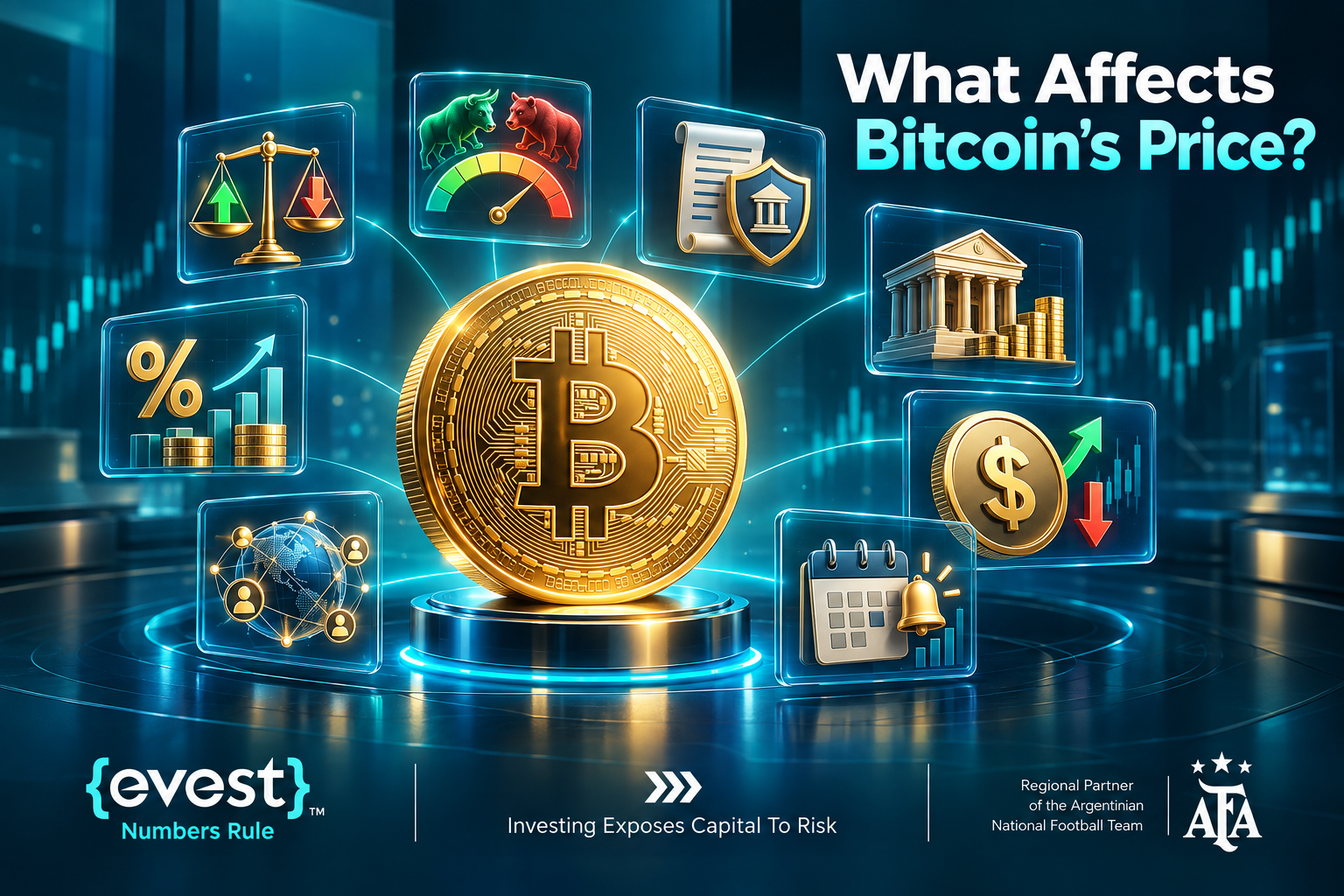
What Affects Bitcoin’s Price?
Demand, investor sentiment and speculative positioning.
Institutional market participation and fund flows.
Changes in interest rates, global liquidity and risk appetite.
Regulation, enforcement and policy developments.
Market liquidity, exchange interruptions and forced liquidations.
Bitcoin adoption, network activity and mining economics.
No single factor reliably determines BTC price. Short-term reactions to news can differ from longer-term trends.
Why Is Bitcoin So Volatile?
Bitcoin trades continuously on global spot markets, and its price is sensitive to shifts in liquidity, sentiment and leveraged positioning. Sudden liquidations can reinforce a move. Bitcoin does not have a central bank targeting exchange-rate stability, while its programmed supply schedule does not prevent large price declines.
When Is the Next Bitcoin Halving?
Bitcoin’s most recent halving occurred on April 20, 2024, at block 840,000, reducing the block subsidy from 6.25 BTC to 3.125 BTC. The next halving is expected around 2028 at block 1,050,000, when the subsidy is scheduled to drop to 1.5625 BTC. The date is an estimate because block production varies; a halving does not guarantee future price appreciation.
Can You Profit From Bitcoin Trading?
Profits are possible, but never assured. Results depend on entry and exit prices, direction, size, execution quality and costs. Leveraged CFDs increase the speed at which capital may be lost; traders should only risk capital they can afford to lose.
Is Bitcoin a Good Investment?
Suitability depends on financial objectives, investment horizon, loss tolerance, exposure concentration and custody arrangements. Bitcoin has no guaranteed income stream or minimum redemption value. Historical returns do not establish future performance.
Bitcoin vs Strategy (MSTR): Are They Equivalent?
No. Bitcoin is a digital asset; Strategy Inc. (formerly MicroStrategy) is a publicly traded company whose Class A common shares trade as MSTR. Its corporate financing, liabilities, share count and Bitcoin holdings affect the equity’s value. There is no permanent number of MSTR shares equivalent to one BTC. This is an adjacent comparison, not a substitute for understanding direct BTC versus CFD exposure.
What Costs Apply to Bitcoin CFD Trading?
Check the spread between bid and ask, possible overnight swap or financing, currency-conversion charges and applicable account or withdrawal fees. Evest’s July 2026 fee guidance states that cryptocurrency trading costs can be reflected in spreads and that overnight swap charges may apply. Published fee tables and actual terms can change, so inspect the live order ticket and account fee schedule instead of assuming fixed or zero costs.
How Can Traders Manage Bitcoin Risk?
Set a maximum acceptable loss for the trade before opening it.
Size the position using volatility, the stop distance and account equity rather than maximum allowed leverage.
Review leverage, available margin and total exposure across correlated crypto positions.
Use Stop Loss instructions if appropriate, understanding that gaps and slippage can lead to a worse fill.
Check upcoming macroeconomic, regulatory and market events; reassess if liquidity deteriorates.
Record results after costs and avoid increasing losing positions impulsively.
FAQs
What is BTCUSD?
A quote expressing the price of one Bitcoin in US dollars; contract specifications depend on the platform.
Can I trade Bitcoin without owning BTC?
Yes. A CFD can provide price exposure without transferring the underlying cryptocurrency.
Do I own Bitcoin when trading its CFD on Evest?
No. A Bitcoin CFD does not convey ownership of BTC.
Can a Bitcoin CFD position benefit from falling prices?
A short CFD position may gain value if the reference price falls, but losses can occur if it rises and the product permits such positions.
Is Bitcoin CFD trading risky?
Yes. Bitcoin volatility, leverage, financing costs and execution risks can cause significant losses.
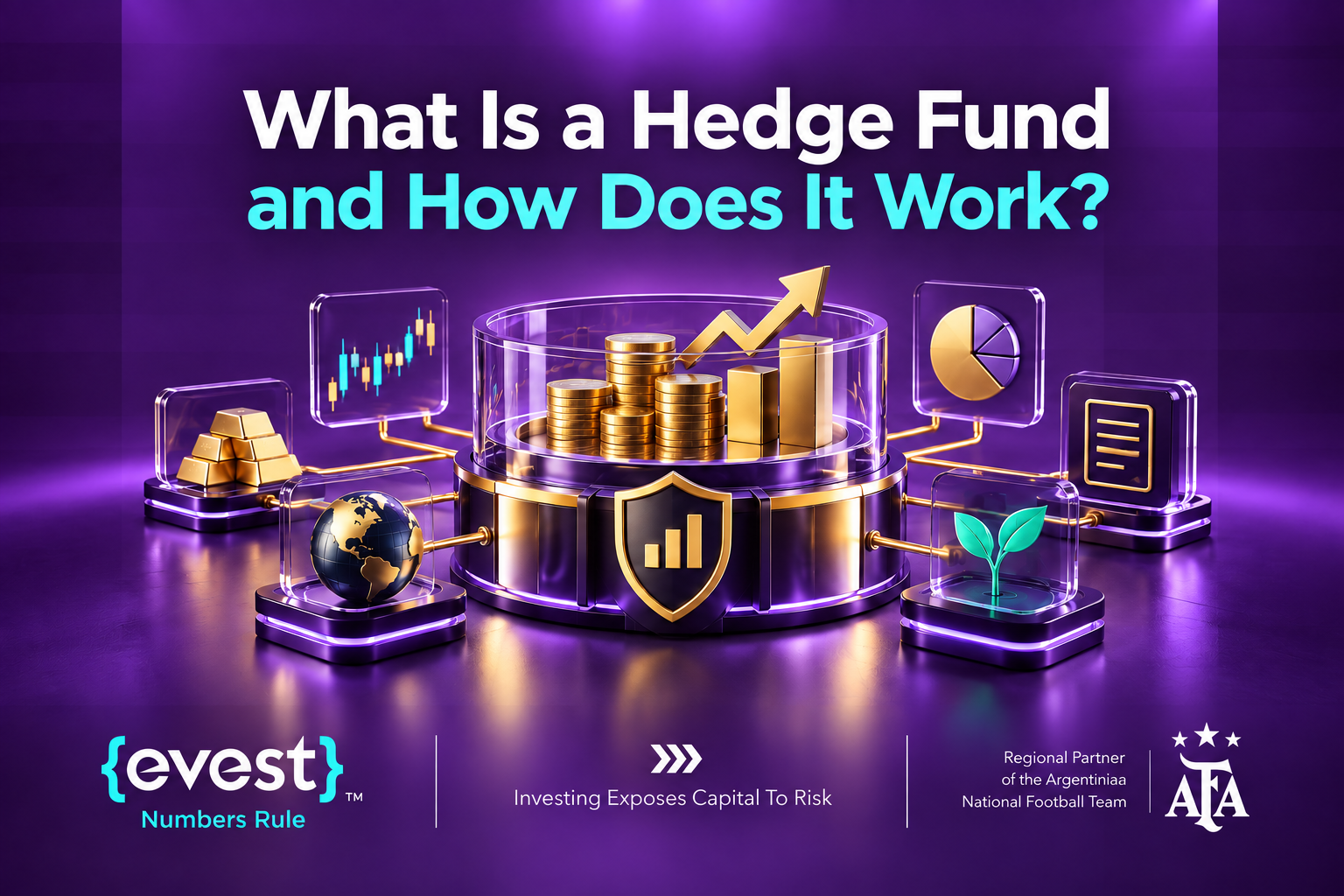
If you are wondering what is a hedge fund, the essential idea is a privately offered investment pool managed under a defined strategy for eligible investors. Unlike a typical retail mutual fund, it may use short selling, derivatives, leverage or specialized market positions. Those tools can help pursue particular objectives, but they can also amplify losses.
This guide explains how these funds operate, who may invest, what managers actually do, how fees and withdrawal restrictions work, and why investing in a hedge fund is different from trading CFDs through a platform such as Evest.
What Is a Hedge Fund?
A hedge fund pools investors’ capital in a privately offered vehicle, with investments selected by an investment manager. Depending on its mandate, the fund may hold equities, bonds, currencies, commodities, derivatives or other assets. Its objectives and risk profile are set by the strategy rather than the label “hedge fund.”
Some managers seek to reduce specific exposures; others take directional or highly concentrated positions. Professional management does not guarantee profits or preserve capital.
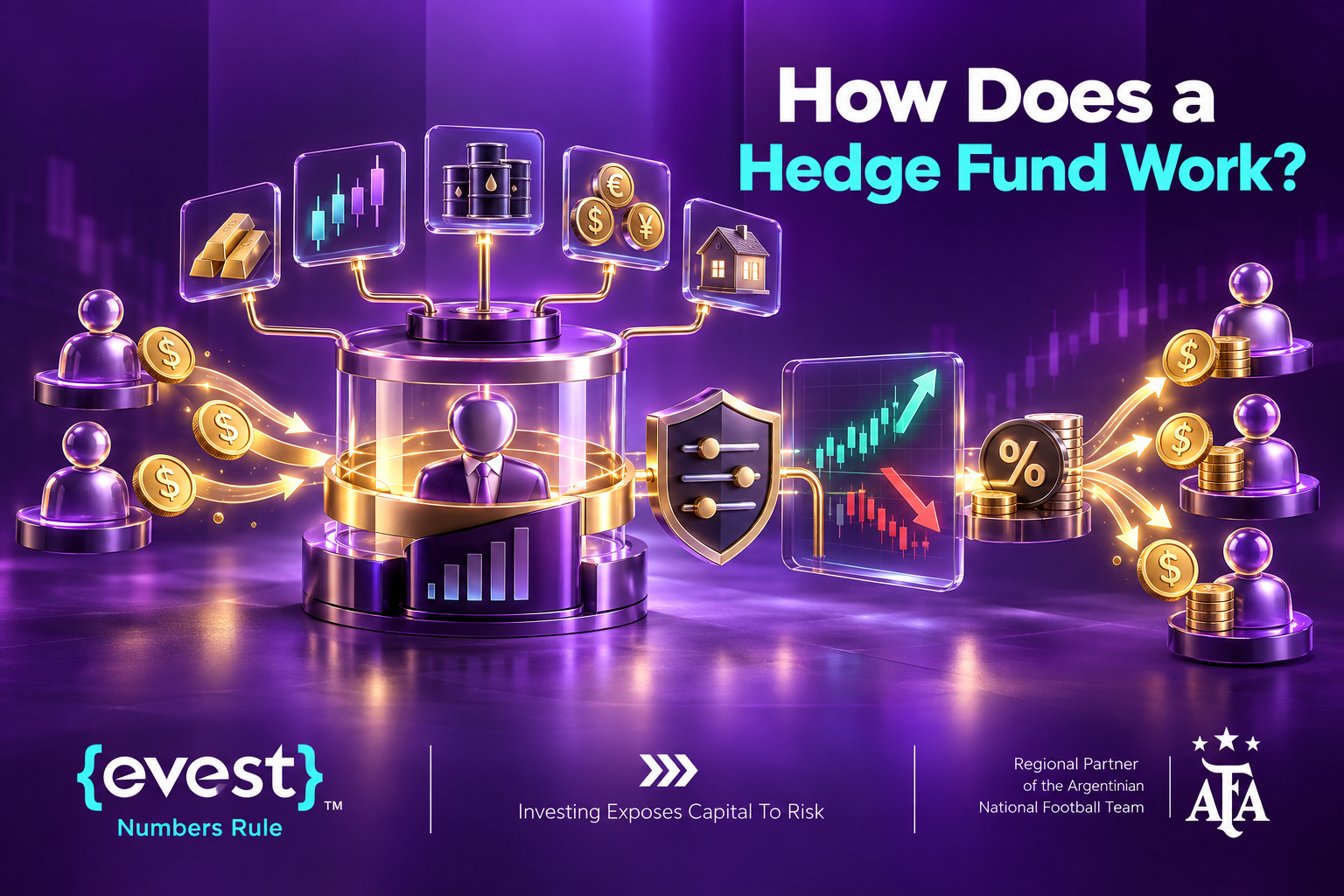
How Does a Hedge Fund Work?
Eligible investors subscribe or commit capital subject to the fund’s offering terms.
The manager invests pooled assets according to the strategy and disclosed limits.
The investment team monitors market exposure, liquidity, counterparties and risk.
Assets and liabilities are valued to determine the fund’s net asset value, subject to its valuation policies.
Investors receive performance reporting and may request redemptions only as permitted by the fund documents.
Management fees, performance allocations and other expenses affect investors’ net returns.
An investor generally does not choose the fund’s individual trades. The manager makes those decisions under the fund’s mandate.
Who Manages a Hedge Fund?
Portfolio managers usually lead investment decisions, often supported by analysts, traders, compliance staff, operations teams and risk specialists. A manager may be registered with a regulator or operate under an exemption, depending on jurisdiction and structure; the fund itself may be privately offered rather than a registered retail product.
What Strategies Do Hedge Funds Use?
Long/short equity: buy selected shares while taking short positions in others.
Global macro: take positions informed by monetary policy, inflation, growth and geopolitical trends.
Event-driven: invest around mergers, restructurings or other corporate events.
Relative value: seek pricing differences between related securities while managing residual risks.
Quantitative or systematic: use data-driven models and rules to select and manage exposures.
These categories overlap. A fund’s actual risk depends on its holdings, use of leverage, market conditions and how effectively controls are implemented.
Why Do Hedge Funds Use Leverage?
Leverage gives a portfolio exposure larger than its invested equity through borrowing or derivatives. It can increase returns when positions move favorably, but also magnifies losses, financing expenses, margin demands and forced-selling risk. Investors should ask for both gross and net exposure measures rather than assuming a hedge neutralizes all risks.
What Is the Difference Between a Hedge Fund and a Mutual Fund?
Factor
Hedge fund (typical)
Retail mutual fund (typical)
Investor access
Often restricted to eligible investors
Generally broadly available
Investment methods
Potentially flexible; shorting and leverage possible
Subject to product and regulatory constraints
Reporting
Private fund disclosures; vary
Standardized public disclosures
Liquidity
May impose lock-ups or redemption windows
Often permits daily redemptions, subject to fund terms
Fees
May include management and performance fees
Typically expense ratio; exact fees vary
These differences are general, not universal. Rules, offering terms and protections differ by jurisdiction and product.
Hedge Funds vs Individual CFD Trading
In a hedge fund, investors participate in a pooled managed vehicle. In an individual CFD account, the account holder typically controls individual leveraged positions in contracts that track price changes; the underlying asset is not owned.
Evest describes its trading service as CFD-based, including exposure to shares without underlying ownership. Accessing CFDs on Evest is not the same as buying an interest in a hedge fund. CFD losses can be substantial, especially when leverage is used.
How Do Hedge Funds Manage Risk?
Set limits on position sizes, portfolio concentration and gross/net exposures.
Assess liquidity, including how quickly holdings could be sold in stressed markets.
Measure sensitivity to interest rates, equity markets, credit and currencies.
Stress-test adverse price moves and potential correlation breakdowns.
Monitor leverage, financing terms, margin and counterparty exposure.
Adjust or hedge exposures when risks exceed the mandate’s limits.
These measures can reduce certain risks but cannot remove losses, illiquidity, valuation uncertainty or operational failures.
Does Hedging Eliminate Risk?
No. A hedge aims to offset a defined exposure. For example, shorting an index future can reduce broad equity-market sensitivity but leaves stock-selection risk, hedge mismatch and costs. A hedge may also reduce gains when markets move favorably.
How Do Hedge Funds Make Money?
Take market positions based on the fund’s investment thesis.
Realize gains or losses on securities, derivatives and other holdings.
Pay transaction, financing and operating expenses that reduce portfolio results.
Apply the fund’s management and any performance fees to determine investors’ net outcomes.
A fund can lose money despite extensive research, sophisticated tools or a positive historical track record.
How Do Hedge Fund Fees Work?
Review the annual management charge and the base on which it is calculated.
Check whether a performance fee or allocation applies and whether it uses a high-water mark or hurdle.
Identify fund expenses, financing, trading, administration and other charges.
Confirm when fees are accrued, crystallized and paid, especially on redemption.
Compare reported gross results with net results after all investor-level costs.
The US SEC’s investor education materials describe management fees often around 1–2% of assets and performance fees often around 15–20% of profits, but these are examples of common arrangements, not universal or mandatory rates.
Who Can Invest in a Hedge Fund?
Eligibility depends on the country, legal offering and fund structure. In the United States, privately offered hedge funds commonly require accredited-investor or qualified-purchaser status, depending on the offering. Financial thresholds and professional qualification routes should be checked against applicable rules at the time of investment.
Minimum subscriptions, lock-ups, redemption notice periods, gates or suspension provisions may also restrict access to funds or cash withdrawals. These are separate from whether an investor qualifies legally.
Can Hedge Funds Trade Cryptocurrencies?
Some hedge funds trade digital assets, crypto-linked securities or derivatives where permitted by their mandates and applicable regulation. Other funds exclude crypto entirely. A crypto hedge fund is not automatically less risky than trading the assets individually; custody, counterparty, liquidity, valuation and regulatory issues can still be significant.
Are “Hedge-Fund Style Crypto Signals” the Same Thing?
No. “Hedge-fund style” is not a standardized investor-protection or performance designation. A buy/sell signal alone does not establish a professionally managed fund, tested portfolio process, audited results or appropriate risk controls. Claims of institutional-grade signals should be evaluated critically.
What Are the Main Risks of Hedge Funds?
Market and strategy risk: positions or assumptions can fail.
Leverage and financing risk: losses can be amplified and positions forced to unwind.
Liquidity risk: assets may be hard to sell and investors may face redemption limits.
Valuation risk: certain holdings are not priced frequently or transparently.
Operational and counterparty risk: systems, service providers or trading counterparties can fail.
Fees and disclosure limitations: costs and limited transparency may make comparisons difficult.
FAQs
Do hedge funds always hedge their investments?
No. Strategies range from highly hedged to strongly directional.
Can hedge funds lose money?
Yes, including substantial losses, despite professional management.
Do hedge funds use automated trading?
Some do; others rely on discretionary investment teams or combine both.
Are hedge funds available to all investors?
Not generally. Eligibility and offering restrictions depend on the applicable jurisdiction and fund.
Can I invest in a hedge fund through Evest CFDs?
Trading CFDs is not purchasing a hedge-fund interest. Evest describes its market access as CFD trading.
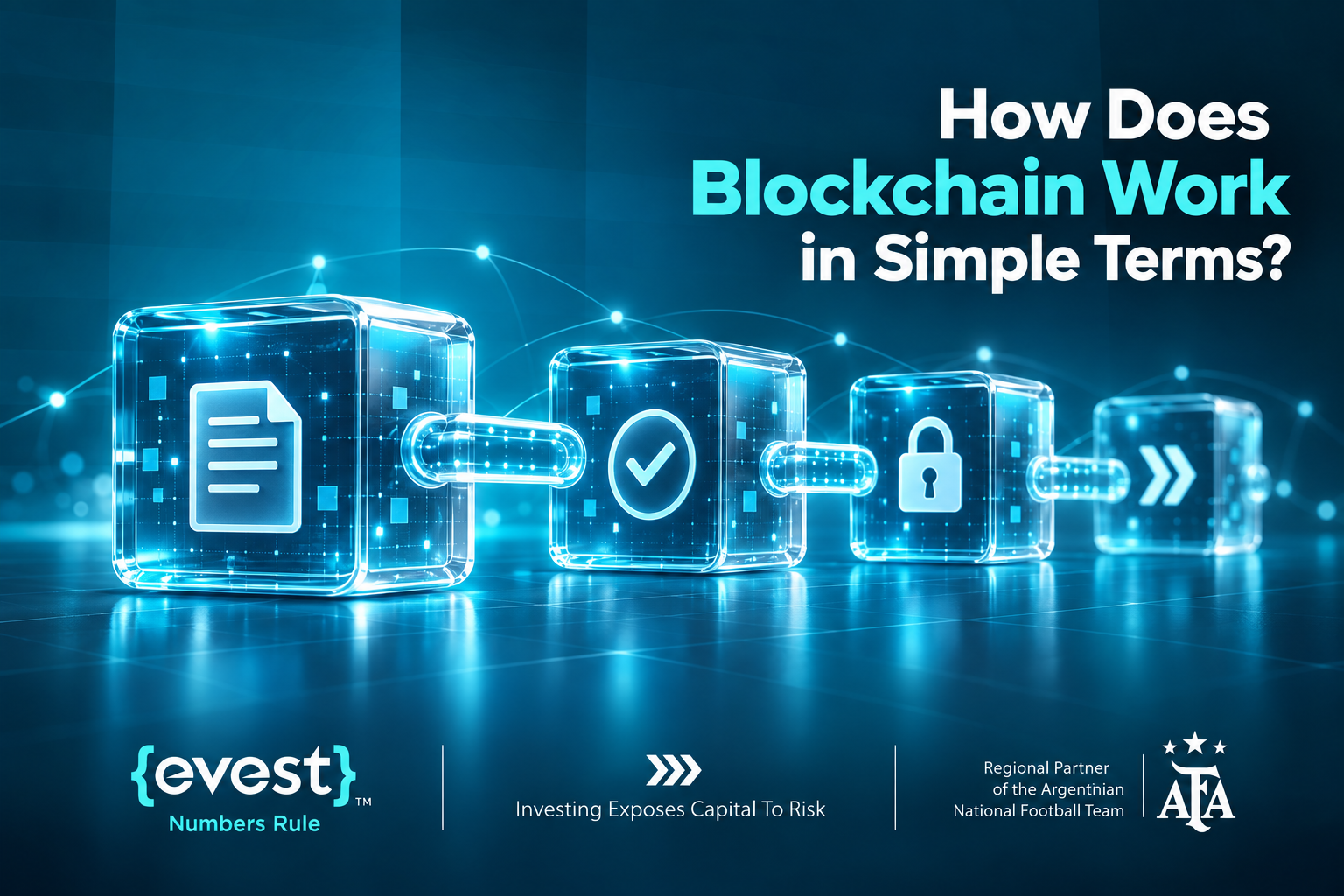
Blockchain technology has transformed how data is stored, verified, and shared across digital networks. Understanding How Does Blockchain Work starts with learning how transactions are grouped into blocks and linked together in a distributed digital ledger.
Instead of relying on a central authority, blockchain uses a network of computers to validate and record transactions. Cryptographic techniques help protect data integrity and prevent unauthorized changes. This technology is widely used in cryptocurrencies, smart contracts, and supply chain management.
What Is Blockchain?
A blockchain is a ledger maintained by network participants according to common validation and consensus rules. Public blockchains can allow independently operated computers, called nodes, to check records without depending on one database operator. Private and permissioned blockchains may restrict who can validate or view information.
A blockchain is generally tamper-resistant, not magically unchangeable. Its security depends on the network design, distribution of control, cryptographic mechanisms and incentives.
What Is Blockchain Technology Made Of?
Transactions: signed instructions or records submitted to a network.
Blocks: ordered batches of transactions or state updates.
Hashes and block references: cryptographic links that reveal alterations to recorded data.
Nodes: computers that store, relay, and/or independently validate network information.
Consensus rules: procedures for agreeing which blocks form the accepted history.
Bitcoin uses Proof of Work (PoW). Ethereum has used Proof of Stake (PoS) since 2022; its validators stake ETH and participate in proposing and attesting to blocks. These systems should not be described as identical.
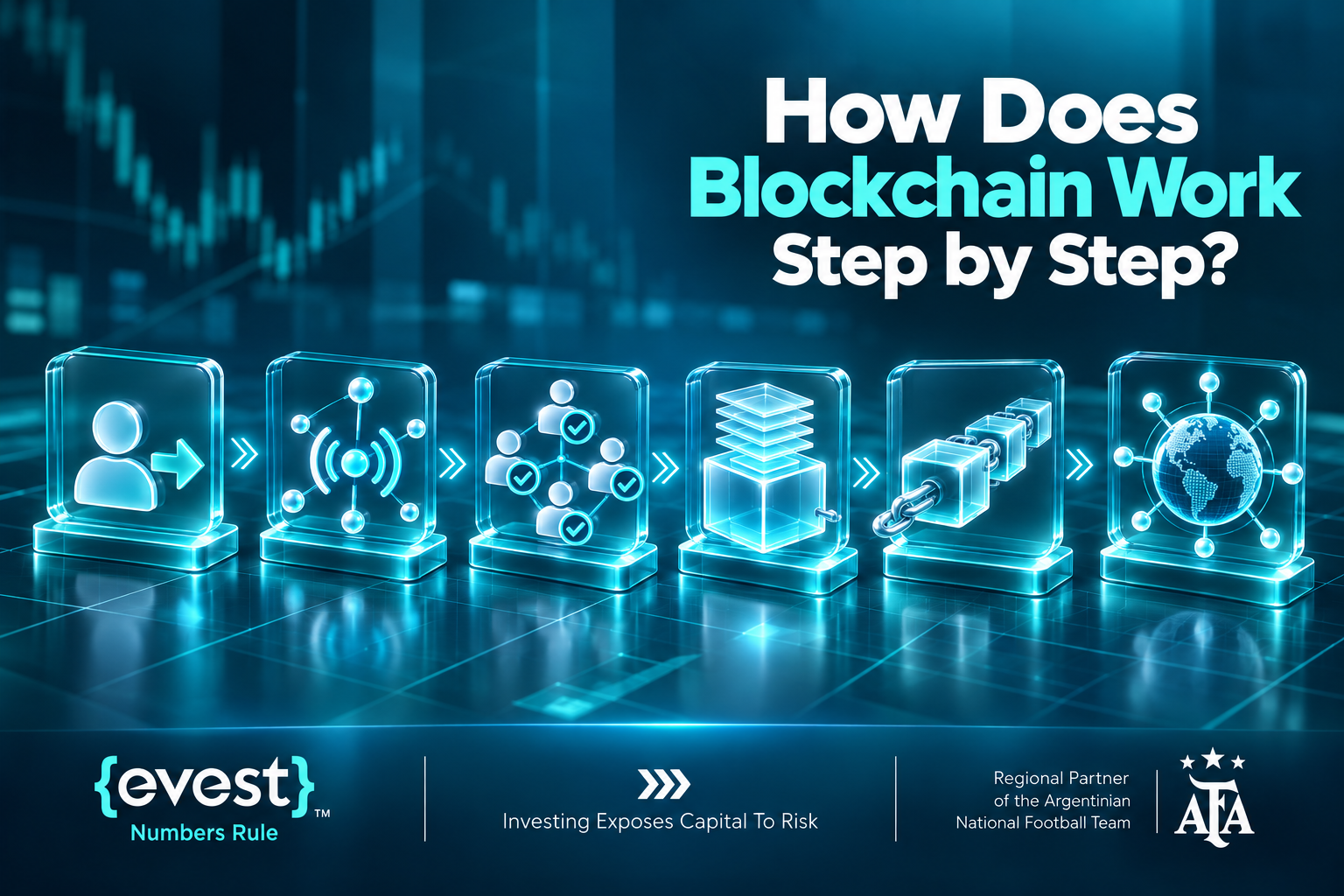
How Does Blockchain Work Step by Step?
A user creates and digitally signs a transaction where the network requires a signature.
The transaction is sent to participating nodes, which check it against applicable rules.
A miner or validator prepares a candidate block, depending on the blockchain’s consensus system.
Other participants verify the proposed block and follow their network’s consensus or fork-choice rules.
An accepted block references its predecessor, extending the chain of records.
Additional confirmations or protocol finality increase confidence that the transaction will remain in the accepted history.
For example, Bitcoin relies on accumulated Proof-of-Work confirmations, while Ethereum uses validator attestations and explicit economic finality. A transaction appearing in a proposed block is not necessarily final immediately.
Why Are Blocks Linked Together?
A block includes a cryptographic reference to an earlier block. Editing an old record changes its hash and breaks the references used by later blocks. An attacker attempting to replace history must therefore overcome the relevant consensus protections, not merely edit a file.
Why Is Blockchain Considered Decentralized?
Decentralization means that validation, data availability, or governance is shared among multiple participants instead of being controlled by one central authority. This varies across networks: concentrated mining power, large validators, infrastructure providers or administrative privileges can reduce decentralization.
What Is the Difference Between Blockchain and Cryptocurrency?
Blockchain
Cryptocurrency
A record-keeping and consensus system
A digital asset recorded or transferred using a network
May support applications besides payments
May serve payments, fees, staking or other functions
Can be private or permissioned
Often associated with public networks
Bitcoin is a cryptocurrency and a network; Ethereum is a blockchain platform, while ether (ETH) is its native asset. Blockchain and cryptocurrency are related, but they are not interchangeable terms.
What Does Blockchain Mean in Trading?
For market participants, blockchain can provide the underlying infrastructure for cryptocurrencies and tokenized assets. Network upgrades, adoption, security incidents and application activity may affect sentiment, but prices also react to liquidity, regulation, leverage and macroeconomic conditions.
Direct cryptocurrency ownership usually involves an exchange or wallet arrangement and different custody risks. A cryptocurrency CFD is a derivative tied to price movements: the customer does not receive coins, private keys, or on-chain ownership through the CFD.
Evest describes its offering as CFD trading across financial instruments including cryptocurrencies. Product availability, trading hours and account conditions should be checked against the applicable platform information rather than assumed to be fixed.
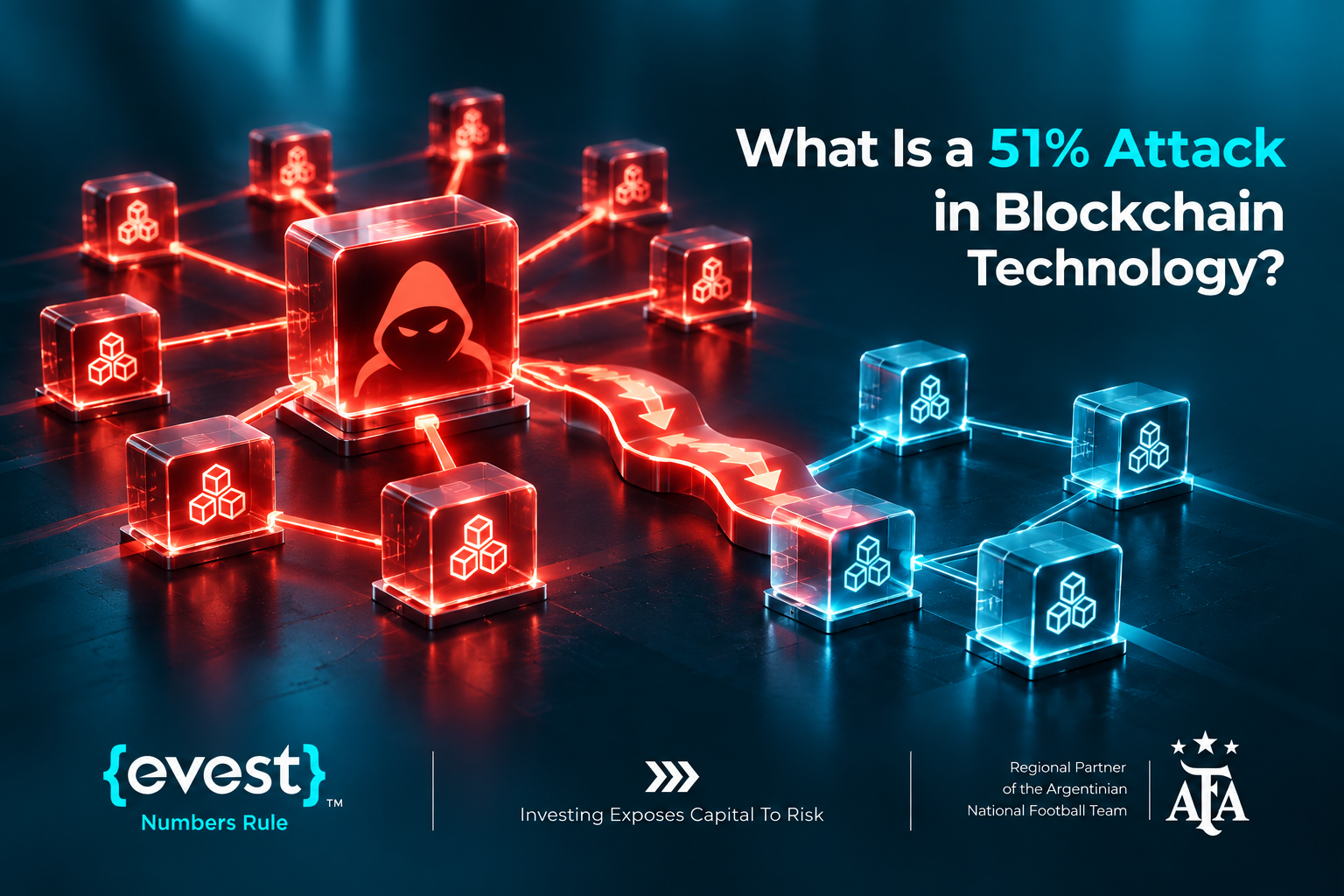
What Is a 51% Attack in Blockchain Technology?
In a Proof-of-Work network, a majority-hash-power attack can let a coordinated party more reliably reorganize recent blocks, censor transactions, or attempt double-spending. It does not automatically give the attacker control of other people’s private keys or permission to create transactions that violate the protocol’s validity rules.
Proof-of-Stake systems have different attack thresholds and consequences. For example, Ethereum’s finality and disruption risks depend on the fraction of staked ETH controlled and its penalty rules; describing every PoS attack as a “51% attack” is misleading.
What Are the Main Benefits of Blockchain?
Shared, independently checkable transaction history on appropriately designed networks.
Cryptographic links that help detect tampering.
Reduced reliance on a single operator for some public-network use cases.
Programmable transactions and smart contracts on supported platforms.
Benefits depend on the specific chain. Transparency, privacy, throughput, decentralization and cost often involve trade-offs.
What Are the Main Risks of Blockchain?
Consensus or governance concentration, protocol bugs and possible network disruption.
Smart-contract flaws, bridge failures and software vulnerabilities.
Phishing, stolen keys and irreversible mistakes when sending assets.
Congestion, transaction fees and technical or operational failures.
Volatile token prices and regulatory uncertainty, which are not solved by the blockchain itself.
How Can Traders Assess Blockchain-Related Risks?
Identify the exact exposure: direct token ownership, a fund, an exchange product or a CFD.
Check the blockchain’s consensus model, network concentration and record of incidents.
Review market liquidity, volatility and relevant announcements before acting.
If using a CFD, inspect leverage, spreads, potential financing charges and counterparty risk.
Size positions so a rapid price move or execution gap does not create an unaffordable loss.
Evest warns that CFD trading is speculative and leveraged positions can lead to substantial losses. A secure blockchain does not make its token or a derivative on that token a safe investment.
FAQs
Is blockchain the same as Bitcoin?
No. Bitcoin is one application of blockchain technology.
Can blockchain function without cryptocurrency?
Yes. Some permissioned blockchain systems do not require publicly traded native tokens.
Does blockchain make cryptocurrency trading safer?
Not necessarily. Network security does not remove market, custody, counterparty or leverage risks.
Do I use a blockchain directly when trading a crypto CFD?
Generally no. The CFD reflects asset-price movements; it does not transfer on-chain coins to the trader.
Can a blockchain be hacked?
Blockchain networks and related software can experience attacks. The risks and possible effects depend on the system, and attacks do not all involve breaking the underlying cryptography.
Choosing an online trading platform requires more than comparing available assets or advertised features. Understanding why Evest may be worth considering involves examining its regulatory structure, trading technology, account conditions, fees, and the services traders actually receive.
Evest provides access to multiple financial markets through web-based and mobile trading platforms, offering different account types, market analysis tools, and trading-related services. However, evaluating the platform requires a closer look at its regulatory disclosures, trading costs, and the distinction between accessing market price movements and owning underlying financial assets.
Why Evest?
Evest offers a trading environment that combines access to multiple financial markets, different trading interfaces, and account options designed for varying levels of experience and trading capital. Its services focus on providing the technology and tools needed to monitor financial markets, manage trading positions, and access market information.
The platform’s main features include:
Multiple financial markets: Access to instruments linked to stocks, currencies, commodities, indices, and cryptocurrencies.
Flexible trading access: Trading through supported browser-based and mobile interfaces.
Demo trading: An opportunity to practice using virtual funds before trading with real money.
Different account tiers: Account options with varying deposit requirements, trading conditions, and additional services.
Market analysis resources: Access to information and analytical tools that support market research.
Account management services: Features for monitoring account activity and managing trading-related operations.
These features may appeal to traders looking for a consolidated trading environment, although their practical value depends on individual trading strategies, account conditions, and risk tolerance.
Is Evest Legit?
Evest operates through corporate entities that disclose financial services licenses issued by regulatory authorities in different jurisdictions. Its official website provides information about these entities, their regulatory registrations, and the legal framework associated with its trading services.
Evest is a brand associated with ATRIAFINANCIAL HOLDINGS LTD, a company registered in the United Kingdom under registration number 12745548. The company is identified in Evest’s corporate disclosures as the holding entity connected to its operating businesses.
Evest Regulatory Licenses and Legal Entities
According to Evest’s published regulatory information, the entities associated with its operations include:
Legal Entity
Regulatory Authority
License Number
ATRIAFINANCIAL LTD
Vanuatu Financial Services Commission (VFSC)
17910
ATRIAFINANCIAL SA (PTY) LTD
Financial Sector Conduct Authority (FSCA), South Africa
36060
ATRIAFINANCIAL (COMOROS) LTD
Mwali International Services Authority (MISA)
T2023414
These regulatory disclosures establish the company’s stated licensing arrangements. However, evaluating the legal framework requires considering several additional factors:
Contracting entity: The specific company responsible for providing services to the trading account.
Jurisdiction: The country and regulatory framework under which the account operates.
Regulatory scope: The financial activities covered by the relevant authorization.
Customer protections: The safeguards, complaint procedures, and contractual rights applicable to the account.
It is important to distinguish between corporate registration and authorization to provide regulated investment services. Registering a holding company in the United Kingdom does not, by itself, establish authorization from the United Kingdom’s financial services regulator.
Therefore, assessing Evest’s legitimacy involves identifying the specific entity responsible for the trading account, understanding the scope of its regulatory authorization, and reviewing the contractual protections available to the customer.
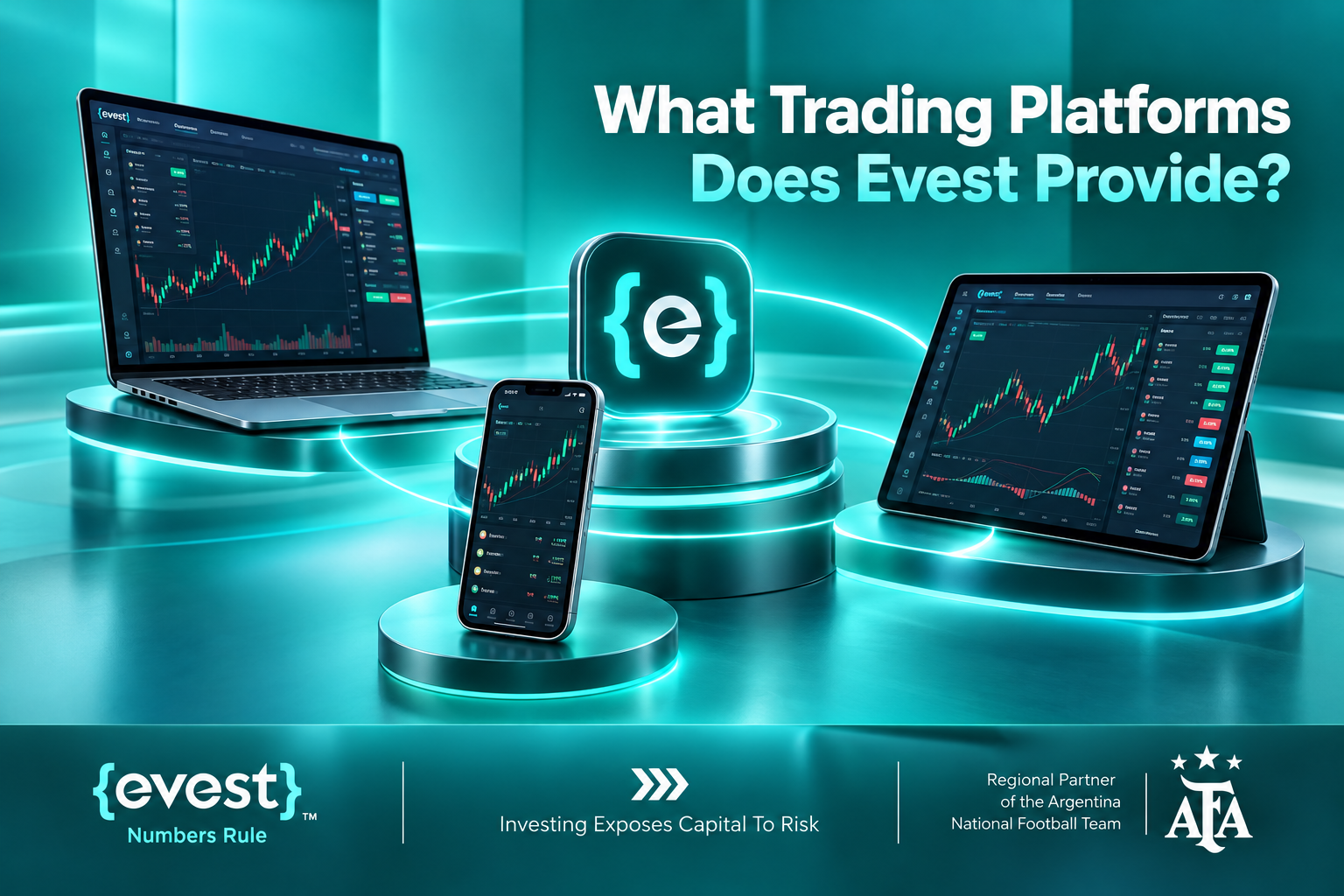
What Trading Platforms Does Evest Provide?
Evest provides several trading interfaces, including its WebTrader platform, mobile trading application, and support for MetaTrader 5. These options allow traders to access financial markets through different devices and trading environments.
Evest WebTrader Platform
Evest WebTrader is a browser-based trading interface that enables users to access their accounts without installing a separate desktop trading application.
Its main functions include:
Accessing the trading account through a supported web browser.
Monitoring financial market movements.
Reviewing account information and trading activity.
Opening, monitoring, and managing trading positions.
Browser-based access can be useful for traders who prefer working across different computers or accessing their trading environment without maintaining additional software installations.
Evest Mobile Trading App
The Evest mobile application provides access to trading services through smartphones running Android and iOS.
According to Evest’s official application information, its features include:
Monitoring financial markets through a mobile interface.
Accessing trading account information.
Managing trading activity and account-related operations.
Receiving available notifications and market updates.
Accessing available financial market information and analysis tools.
Mobile access provides flexibility for monitoring trading activity away from a primary computer. However, traders should consider how screen size, internet connectivity, and interface limitations may affect their ability to analyze markets and manage positions.
MetaTrader 5 Availability
Evest also provides support for MetaTrader 5, as described in its official help center. The company explains that users can obtain the necessary login credentials and installation information through its support team after completing the applicable account activation requirements.
Evest also publishes restrictions concerning simultaneous access through certain trading interfaces. Users should review these conditions when planning to access the same trading account through multiple devices or platforms.
What Financial Markets Can You Trade With Evest?
Evest provides access to financial instruments associated with stocks, foreign exchange, commodities, indices, and cryptocurrencies. A significant part of its trading offering involves contracts for difference (CFDs), which allow traders to speculate on price movements without directly owning the underlying assets.
The main market categories include:
Stocks: Instruments linked to the price movements of publicly traded company shares.
Forex: Currency pairs that allow traders to speculate on changes in exchange rates.
Commodities: Instruments associated with assets such as gold and oil.
Indices: Financial products linked to the performance of market indices.
Cryptocurrencies: Trading instruments associated with digital asset price movements.
Understanding CFDs and Underlying Assets
The distinction between trading an asset and trading a derivative linked to its price is essential because the financial rights, costs, and risks can differ considerably.
For example, trading a stock CFD generally provides exposure to movements in a company’s share price without transferring direct ownership of the underlying shares.
Before opening a position, traders should understand:
Whether the instrument involves direct ownership or derivative exposure.
How spreads and other trading costs apply.
Whether leverage is available and how it affects risk.
Whether overnight financing charges may apply.
How changing market conditions may affect the value of open positions.
CFD trading and leverage can amplify both gains and losses, making an understanding of position sizing and risk exposure essential.
Evest Account Types and What Each One Includes
Evest offers a demo account alongside several live account tiers. These account levels differ in their published minimum deposit requirements, spreads, analytical resources, and customer service benefits.
According to the account information published by Evest, the main account categories include:
Account Type
Published Minimum Deposit
Main Features
Demo
No deposit required
Virtual funds for practicing trading
Silver
$250
Basic trading tools, customer support, and market analysis
Gold
$5,000
Improved spreads and additional support services
Platinum
$20,000
Advanced tools, premium support, and additional analysis services
Diamond
$50,000
Enhanced trading conditions, dedicated account management, and additional services
Demo and Live Trading Accounts
The demo account provides an environment for exploring platform functions and practicing trading with virtual funds. It allows users to become familiar with order execution and position management without exposing real capital to market risk.
Live accounts involve deposited funds and provide access to trading under the applicable conditions of the selected account tier.
Higher account levels may offer additional benefits, including:
Different spread conditions.
Additional analytical resources.
Enhanced customer support.
Account management services, where included.
Depositing more money does not guarantee better trading results. The suitability of an account depends on the trader’s financial circumstances, experience, and intended trading activity.
Islamic Trading Accounts
Evest also publishes information about Islamic trading accounts. These accounts have specific conditions, including the potential application of a Sharia-related fee to positions held for three days or longer, according to the relevant published fee schedule.
Because account specifications and deposit requirements may change, traders should review the latest account documentation before funding an account.
How Much Does Trading With Evest Cost?
Trading costs at Evest depend on the financial instrument, account type, spreads, position holding periods, and applicable account or transaction fees. Understanding these different charges is necessary to estimate the actual cost of using the platform.
Evest advertises zero trading commission on stock CFDs, but a zero-commission structure does not necessarily mean that every associated trading or account activity is free.
Evest Trading and Account Fees
Fee Category
Published Conditions
Deposits
No deposit fee charged by Evest
Currency conversion
2%
Withdrawal after trading activity
$5 per withdrawal
Withdrawal without executing trades
$25 per withdrawal
Inactivity
$75 after the second month, followed by $50 monthly from the end of the third month
These figures should be confirmed against the current account agreement and fee schedule before making a financial decision.
Additional Trading Costs to Consider
Apart from the published account fees, traders should understand how different trading expenses may affect their overall costs:
Spreads: The difference between the buying and selling prices of a financial instrument.
Overnight financing: Charges that may apply when certain leveraged positions remain open overnight.
Currency conversion: Costs associated with converting funds between different currencies.
Withdrawal charges: Fees that may apply when transferring funds out of the trading account.
Inactivity fees: Charges associated with accounts that remain inactive under the applicable conditions.
These costs may vary according to trading activity, instrument specifications, and account conditions. Evaluating the complete fee structure provides a more meaningful understanding of trading expenses than focusing solely on advertised commissions.
How Does Evest Handle Account Security and Withdrawals?
Evest describes account verification and customer identification procedures as part of its operating and compliance requirements. These processes are intended to establish the identity of account holders and support the handling of financial transactions.
The company also states that it uses security measures, including encryption technologies, to protect information exchanged through its online services.
Account Verification Requirements
Depending on the account and applicable compliance procedures, users may need to provide:
Valid identification documents.
Proof of residential address.
Information related to payment methods.
Additional documentation concerning the source of funds, where required.
Completing the necessary verification procedures helps establish the account holder’s identity and supports the processing of account-related financial operations.
Evest Withdrawal Requirements and Processing
Evest allows eligible users to submit withdrawal requests through their trading accounts after completing the necessary verification procedures.
According to its published help center information, the principal withdrawal conditions include:
Withdrawal Detail
Published Information
Standard minimum withdrawal
$25
Cryptocurrency minimum withdrawal
$120
Internal withdrawal review
Typically 24–72 business hours
Estimated fund arrival after approval
Approximately 7–10 business days
Beneficiary requirement
Funds must be directed to an account belonging to the registered account holder
Actual processing times may vary according to the withdrawal method, additional verification requirements, and the financial institutions involved.
Understanding these requirements can help users prepare the necessary documentation and anticipate the administrative steps involved in accessing funds.
What Should You Consider Before Choosing Evest?
Evaluating Evest requires considering its trading services alongside the contractual, financial, and operational conditions that govern account activity.
The most important considerations include:
Regulatory framework: Identify the legal entity responsible for the account and understand the applicable regulatory jurisdiction.
Available instruments: Confirm that the platform provides the financial products relevant to the intended trading strategy.
Platform functionality: Assess whether the available trading interfaces support the required trading and account management activities.
Account conditions: Review minimum deposit requirements and the services included in each account tier.
Total trading costs: Consider spreads, financing charges, withdrawal fees, and account-related expenses.
Withdrawal procedures: Understand verification requirements, processing conditions, and applicable limits.
Risk exposure: Evaluate the potential effects of leverage, price volatility, and losses on trading capital.
The suitability of a trading platform ultimately depends on how these factors align with the user’s financial circumstances and trading objectives.
CFDs are complex financial products, and the use of leverage can create losses that develop rapidly when markets move against an open position. Analytical tools and market information may support trading decisions, but they cannot eliminate uncertainty or guarantee investment performance.
FAQs
Can beginners use Evest?
Yes, Evest provides a demo account and entry-level trading account options that can help beginners become familiar with its trading environment. However, access to beginner-oriented features does not eliminate the financial risks associated with live trading.
Does Evest provide Arabic-language customer support?
Yes, Evest publishes information about customer support in Arabic and English, and its official website and help center include Arabic-language resources for users seeking information about trading services and account management.
Can you practice trading on Evest without depositing money?
Yes, the Evest demo account allows users to practice trading with virtual funds without making an initial deposit. This provides an opportunity to explore platform functions and understand basic order execution before trading with real capital.
Does Evest offer market analysis tools?
Yes, Evest provides market information and analytical resources as part of its trading services. Access to certain advanced analytical tools and additional services may depend on the selected account tier.
Can you upgrade an Evest trading account?
Yes, Evest describes different account levels that users may access after meeting the relevant eligibility and deposit requirements. Available benefits can vary by tier, making it important to review the applicable conditions before upgrading.
If you are wondering what is commodity trading, it involves buying, selling, or taking financial exposure to raw materials such as gold, crude oil, natural gas, and agricultural products. People use commodity markets to hedge business risks, invest in resources, or speculate on changes in prices through products such as futures, exchange-traded funds, and contracts for difference (CFDs).
Prices respond to supply and demand, economic activity, weather, geopolitics, and currency movements. This guide explains the main commodity categories, how trades work, what moves prices, and how to assess costs and risk. On Evest, commodity CFDs offer price exposure rather than ownership or delivery of the underlying asset.
What Is Commodity Trading?
Commodity trading involves transacting in physical goods or financial instruments linked to their prices. A commodity is generally a standardized resource of a specified grade, rather than a share in a company. The contract matters: buying physical gold, holding a commodity fund, trading a futures contract, and opening a CFD position do not create identical rights or risks.
Producers and commercial users may use futures to hedge price exposure; investors and traders may instead seek price exposure. A CFD is a derivative contract settled on price differences, with no physical delivery or ownership of the commodity.
What Types of Commodities Can Be Traded?
Category
Examples
Typical price drivers
Precious metals
Gold, silver, platinum
Real yields, US dollar, investment and industrial demand
Weather, harvests, seasonality, transport and trade
Industrial metals
Copper, aluminum
Construction, manufacturing, infrastructure and supply
The exact products accessible to a trader depend on the exchange, fund or broker. Some platforms quote spot-linked instruments, while others reference expiring futures contracts.
How Does Commodity Trading Work?
Choose the underlying market and instrument: for example, physical gold, an exchange-traded product, a futures contract, or a gold CFD.
Check the contract specifications, including quote currency, position size, trading hours, expiry or rollover rules, and whether delivery is possible.
Assess the market using supply-and-demand information, relevant economic releases, and price behavior.
Decide the direction and size of the position. A long position generally benefits from rising prices; a short derivative position generally benefits from falling prices.
Review margin requirements, the spread, commissions, financing and the maximum loss you can tolerate.
Place and monitor the trade, then close or settle it according to the instrument’s rules.
For example, if a CFD position tracks gold and the quoted price increases, a long position may gain value before costs; if the market moves against the position, it loses value. The exact result also depends on contract size and any currency conversion.
What Affects Commodity Prices?
Supply and demand are central, but their underlying causes are different across markets. Oil is sensitive to production policy and inventory changes, crops to weather and harvest yields, and precious metals to interest-rate expectations and investor demand.
Supply disruptions, inventories and production decisions.
Global growth and industrial consumption.
Inflation expectations, interest rates and financing conditions.
Weather, geopolitics and trade restrictions.
US dollar exchange-rate moves and changes in market positioning.
A market can move because conditions change or because new information differs from what traders expected. This is why one headline rarely explains every price movement.
What Is the Historical Relationship Between the US Dollar and Commodity Prices?
Many internationally traded commodities are priced in US dollars. All else equal, a stronger dollar can make dollar-priced commodities more expensive for buyers holding other currencies, potentially reducing demand. A weaker dollar can have the opposite effect.
The relationship is not mechanical. A major supply shock may push oil higher during a strong-dollar period, and gold can respond to real interest rates or geopolitical concerns. Dollar movements are one factor, not a standalone trading rule.
Does a Stronger Dollar Always Push Commodity Prices Lower?
No. The correlation varies by commodity and time period. Assess currency moves alongside actual inventories, production, demand and market expectations rather than assuming a fixed inverse relationship.
How Can You Trade Commodities Through CFDs?
Open the available commodity instrument list and confirm that the specific product is currently tradable.
Read its trading specifications: underlying reference, spread, contract size, leverage, margin, trading hours and any expiry or rollover policy.
Select a buy or sell position according to your market view, and calculate the potential monetary loss for the chosen size.
Set risk controls where available, remembering that stop orders may execute at a different price in fast or gapping markets.
Monitor free margin, total exposure and any financing or other applicable charges; close the position according to your plan.
Evest lists commodity CFD products, including metals, energy and some agricultural instruments. Its public commodities page currently displays 16 entries, but that listing is not a guarantee that every instrument is live or available to every account. Instrument availability and terms should be verified on the platform before any trade.
Commodity CFD Trading vs Physical Ownership
Factor
Physical commodity
Commodity CFD
Ownership
Own the asset
No ownership of underlying asset
Storage/delivery
May be relevant
No physical delivery
Short exposure
Less direct
May be available
Leverage
Depends on financing
May be offered, with magnified risk
Ongoing costs
Storage/insurance may apply
Spread and financing or account costs may apply
Exchange-traded products and futures are additional alternatives, each with different structures and fees. Long-term ownership and leveraged speculation should not be treated as interchangeable.
How Can You Manage Commodity Trading Funds on Mobile?
Define the maximum amount of capital to risk on the trade before placing any order.
Calculate position size using stop distance, contract specifications and commodity volatility; avoid basing size on margin alone.
Check margin level, free margin and combined exposure across correlated markets such as gold and silver.
Use alerts and appropriate order types, but do not assume mobile connectivity or a stop-loss order eliminates execution risk.
Review open positions, relevant events and any overnight charges; avoid impulsive increases after losses.
Evest supports MetaTrader 5 according to its July 2026 help-center update. Platform access and supported features should be confirmed for the specific account and device.
What Costs Apply to Commodity Trading?
Costs may include the bid–ask spread, commissions, financing or swap charges on overnight leveraged positions, conversion fees, and instrument-specific adjustments or rollover costs. Actual charges depend on contract and account terms. Margin is collateral reserved to support a position, not itself a trading fee.
Evest describes special fee arrangements for Islamic accounts, including potential charges on positions held three days or more. Do not assume all account types are swap-free or that a headline commission rate represents the entire trading cost.
How Does Leverage Work in Commodity Trading?
Identify the full notional value of a position, rather than focusing only on the cash margin deposited.
Check the applicable leverage and required margin for the specific commodity and account.
Estimate how a small adverse price movement would affect account equity at that position size.
Maintain sufficient available margin and plan for slippage, gaps, and possible forced liquidation.
For illustration, a $10,000 position at 1:100 leverage may require $100 in initial margin, before broker-specific conditions and costs. A 1% adverse move in the underlying represents approximately $100 of gross loss on that notional position—not 1% of the margin. Evest states that its maximum advertised leverage can reach 1:400, but actual leverage differs by instrument, volatility, account and applicable rules; it can change.
What Are the Main Risks of Commodity Trading?
The main risks include price volatility, leverage-amplified losses, liquidity changes, market gaps, changing margin requirements and fees. Agricultural commodities, energy and metals have different supply constraints and seasonal patterns. With leveraged products, losses can occur quickly and risk controls cannot guarantee a particular exit price.
FAQs
Is commodity trading the same as buying physical commodities?
No. Physical ownership, funds, futures and CFDs provide different rights, costs and risks.
Can you trade commodities when prices are falling?
Some derivative products, including CFDs, may allow a short position, subject to product availability and trading conditions.
What commodities are available on Evest?
Its public listing shows 16 commodity entries across metals, energy and agricultural markets as checked in October 2026; verify current instrument status and terms in the platform.
Do I own commodities when trading CFDs on Evest?
No. Commodity CFDs provide price exposure without physical ownership or delivery.
Are commodity CFDs suitable for everyone?
No. Their volatility, margin requirements and potential leveraged losses make them unsuitable for some traders.
Investing vs Trading is a fundamental distinction in financial markets, with the main difference being how individuals approach asset ownership, market movements, and financial goals. Investing generally focuses on building wealth over the long term, while trading seeks to capitalize on price fluctuations over shorter periods.
Understanding these approaches can help individuals choose a strategy that aligns with their financial objectives, risk tolerance, and available time. Through Evest, market participants can explore financial instruments such as stocks, currencies, commodities, and indices while gaining access to tools that support market analysis and trading decisions.
Investing vs Trading
Investing and trading are two approaches to participating in financial markets, but they differ in their objectives, holding periods, and decision-making processes. Investors typically seek to benefit from the long-term growth of assets, whereas traders focus on identifying opportunities created by changes in market prices.
The distinction also influences how individuals respond to market volatility:
Investors: Generally evaluate whether an asset remains suitable for their long-term financial objectives despite temporary price fluctuations.
Traders: Monitor price movements to identify potential opportunities to open or close positions over shorter periods.
Both approaches involve financial risk, and neither guarantees positive returns. Their suitability depends on how much uncertainty an individual can tolerate, the amount of time available for market participation, and the strategy used to manage potential losses.
What Is Investing?
Investing is the process of allocating capital to assets with the objective of achieving financial growth over an extended period. Investors generally evaluate the underlying value and long-term prospects of an asset rather than relying primarily on short-term price movements.
For example, an individual following a long-term stock investment strategy might assess a company’s financial performance, business development, and growth potential before deciding whether it fits their portfolio.
Common long-term investment approaches include:
Value investing: Identifying assets that appear undervalued relative to their estimated intrinsic value.
Growth investing: Selecting assets with potential for future earnings or business expansion.
Diversification: Allocating capital across different assets or sectors to reduce concentration risk.
Income reinvestment: Reinvesting eligible investment income to benefit from potential compounding over time.
These approaches can support long-term financial planning, although investment values may decline and future returns are never guaranteed.
What Is Trading?
Trading involves buying and selling financial instruments to take advantage of changes in market prices. Unlike long-term investing, trading generally relies on identifying price movements within a defined period, which may range from minutes to several days or weeks.
Traders frequently use several methods to evaluate potential opportunities:
Technical analysis: Studying historical price movements and chart patterns.
Market indicators: Assessing momentum, trends, and potential changes in price direction.
Economic analysis: Considering financial news and economic developments that may influence asset prices.
Entry and exit planning: Establishing conditions for opening and closing trading positions.
Trading can involve different instruments and contract structures. For example, Evest offers Contracts for Difference (CFDs), which allow traders to speculate on price movements without purchasing the underlying asset. These contracts can provide exposure to rising or falling prices, but they also carry significant risks, particularly when leverage is involved.
What Is the Main Difference Between an Investor and a Trader?
The main difference between an investor and a trader is the time horizon and strategy used to pursue financial returns. Investors generally concentrate on long-term asset performance, while traders seek opportunities arising from shorter-term market movements.
Comparison
Investing
Trading
Primary objective
Long-term capital growth
Returns from price movements
Time horizon
Months, years, or decades
Minutes, days, or weeks
Main analysis
Fundamental analysis
Technical and market analysis
Transaction frequency
Generally lower
Generally higher
Market monitoring
Periodic portfolio reviews
More frequent monitoring
Decision-making
Long-term prospects and valuation
Price trends and entry or exit signals
Main challenges
Extended declines and investment uncertainty
Volatility, timing, and execution risk
Although these characteristics help distinguish investors from traders, the boundaries are not absolute. An individual may maintain long-term investments while allocating a separate portion of capital to shorter-term trading, provided the risks and objectives of each approach are clearly defined.
How Do Investment and Trading Strategies Work?
Investment and trading strategies differ mainly in how market opportunities are identified and managed. An investment strategy generally begins with selecting assets that match long-term financial goals, while a trading strategy places greater emphasis on market timing, price behavior, and predetermined execution rules.
Long-Term Investment Strategies
Long-term investors often use fundamental analysis to examine an asset’s financial characteristics, valuation, and potential for future growth.
Their investment decisions may involve:
Reviewing financial statements and business performance.
Evaluating an asset’s valuation and growth prospects.
Considering economic conditions and their potential impact.
Assessing how an investment contributes to overall portfolio allocation.
The objective is to make informed decisions based on the asset’s long-term characteristics rather than reacting to every short-term market movement.
Short-Term Trading Strategies
Short-term trading strategies concentrate on recognizing market conditions that may create opportunities for price-based transactions.
Common trading approaches include:
Day trading: Opening and closing positions during the same trading day.
Scalping: Executing short-duration trades intended to capture relatively small price movements.
Breakout trading: Monitoring whether prices move beyond established support or resistance levels.
Each approach requires its own execution rules and risk controls. Trading frequency alone does not determine profitability, since transaction costs, unexpected price movements, and unsuccessful decisions can affect overall performance.
How Does Risk Differ Between Investing and Trading?
Both investing and trading involve the possibility of financial loss, but their risk exposures can develop differently depending on the instruments, strategies, and holding periods involved.
Risks Associated With Investing
Long-term investors may face several types of risk:
Market risk: Asset values may decline because of broader financial market conditions.
Company-specific risk: A business may experience financial difficulties that negatively affect its value.
Inflation risk: Rising prices can reduce the purchasing power of investment returns.
Liquidity risk: Certain assets may be difficult to sell quickly at a desired price.
Maintaining an investment over several years does not guarantee that its value will recover after a decline, particularly when the underlying asset experiences lasting financial difficulties.
Risks Associated With Trading
Trading introduces additional challenges related to the timing and execution of transactions:
Price volatility: Rapid market movements may produce unexpected losses.
Leverage risk: Borrowed exposure can magnify both gains and losses.
Execution risk: Orders may be completed at prices different from those anticipated.
Transaction costs: Frequent trading can increase the overall cost of market participation.
Emotional decision-making: Fear or excessive confidence may influence trading behavior.
Evest identifies stop-loss orders as one tool traders can use to manage exposure, although such orders do not guarantee execution at a specific price under all market conditions.
How Much Time Does Investing Require Compared With Trading?
Investing generally requires less frequent market monitoring than active trading because decisions are based on longer-term objectives rather than continuous price movements.
The time commitment typically differs in the following ways:
Investing:
Researching assets before allocating capital.
Reviewing portfolio performance periodically.
Reassessing financial objectives when circumstances change.
Adjusting asset allocation when necessary.
Trading:
Monitoring price charts and market conditions regularly.
Evaluating trading signals and potential opportunities.
Reviewing completed transactions to assess strategy performance.
The appropriate level of involvement depends on the selected strategy. Individuals with limited time for market analysis may find less active approaches more practical, while those considering frequent trading should account for the additional commitment required.
How Can Beginners Choose Between Investing and Trading?
Beginners can choose between investing and trading by evaluating their financial goals, risk tolerance, experience, and ability to monitor financial markets. The decision should reflect personal circumstances rather than the expectation that one approach will always deliver better returns.
Several considerations can help clarify the choice:
Financial objectives: Determine whether the priority is long-term capital growth or participation in shorter-term market opportunities.
Risk tolerance: Assess the financial and emotional impact of potential losses before allocating capital.
Market knowledge: Consider whether the strategy requires additional understanding of asset valuation, chart analysis, or trading instruments.
Available time: Evaluate how frequently positions can realistically be monitored and reviewed.
Financial commitments: Avoid allocating money needed for essential expenses or obligations to speculative activities.
Evest provides a demo account that allows users to explore trading tools using virtual funds without depositing real money. Such an environment can help beginners become familiar with order placement and market analysis beforevest.com/ene considering live trading, although simulated results do not establish how a strategy will perform under real market conditions.
FAQs
Can Someone Be Both an Investor and a Trader?
Yes, an individual can participate in both activities by maintaining long-term investments alongside separate shorter-term trading positions. Establishing distinct objectives and risk limits for each strategy can help prevent short-term decisions from interfering with long-term financial plans.
Is Trading More Profitable Than Investing?
Not necessarily. Trading may provide opportunities to benefit from short-term price fluctuations, but frequent transactions and market volatility can also increase potential losses. Investment outcomes depend on asset performance, while trading results are influenced by execution quality, strategy effectiveness, and risk management.
Is Technical Analysis Necessary for Long-Term Investing?
No, technical analysis is not essential to every long-term investment strategy. Investors commonly emphasize fundamental information, including financial performance, valuation, and economic conditions. Technical indicators may provide additional context, but they serve a different purpose from evaluating an asset's long-term characteristics.
Do Investors Always Own the Assets They Trade?
No, ownership depends on the financial instrument involved. Purchasing an underlying asset differs from entering a CFD, which provides exposure to price movements without ownership of the underlying asset. Understanding the contract structure is essential before opening a position.
Can Market Volatility Affect Long-Term Investments?
Yes, market volatility can affect investments regardless of how long they are held. Long-term investors may experience temporary or prolonged declines in portfolio value, even when their investment objectives remain unchanged. The ability to tolerate these fluctuations depends on financial circumstances and the risks associated with the selected assets.