
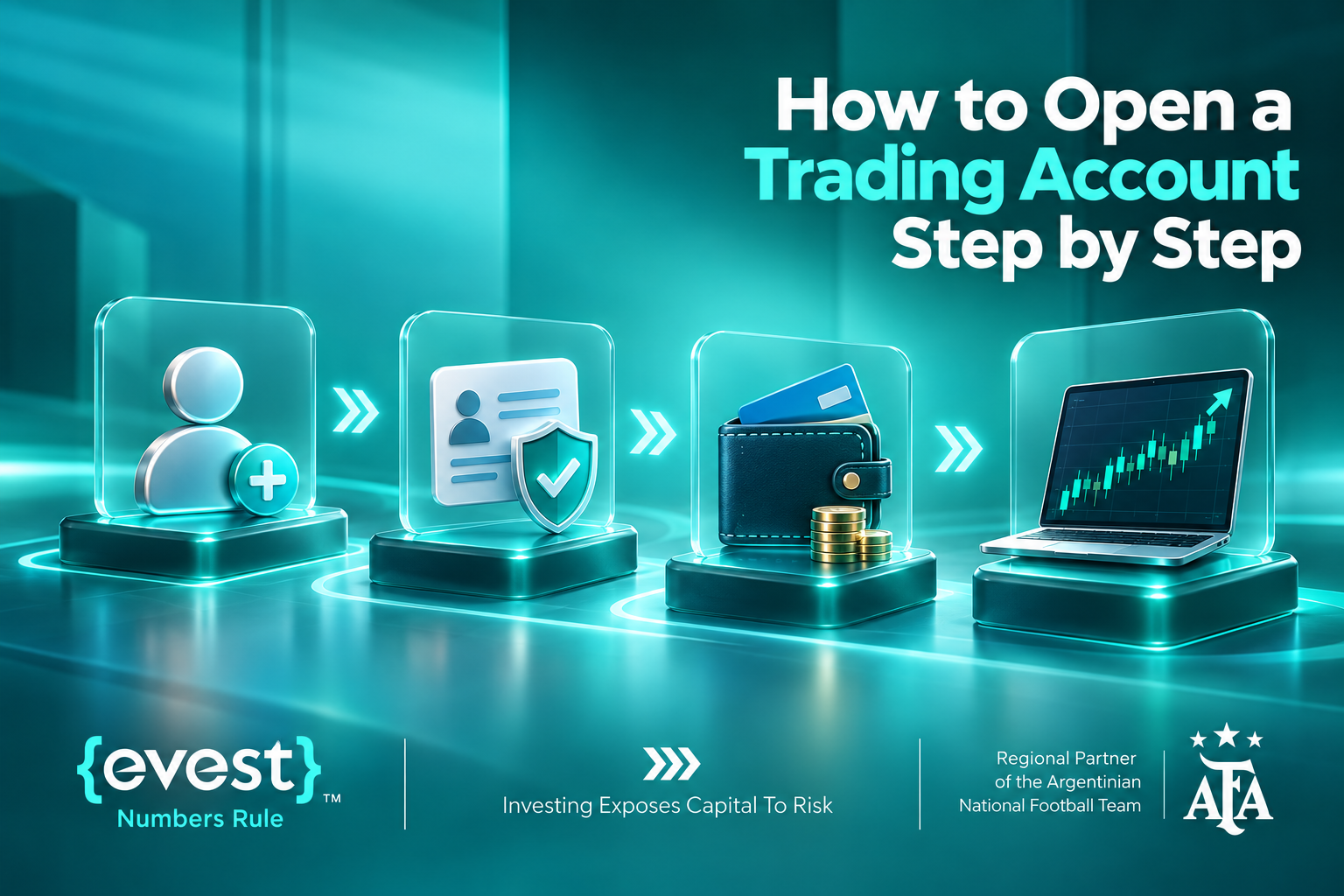
If you are researching How to Open a Trading Account, the first things to understand are the broker’s eligibility requirements, verification process, trading costs and the type of assets you will actually trade. At Evest, the process begins with an online application, followed by compliance checks, document verification and, for a live account, funding. You can also explore the platform through a demo account without risking real money.
This guide explains the actual Evest registration and verification paths for web and mobile users, compares its published account tiers, and shows what to review before placing a first trade. Availability and conditions can vary by country and the legal entity serving your account.
What Is a Trading Account?
A trading account is an account with a broker or trading provider that lets an eligible client access financial instruments, submit orders and monitor balances, positions and transaction history. It is not the same as an ordinary bank account. The instrument matters: trading a contract for difference (CFD) gives price exposure without ownership of the underlying stock, currency or digital asset.
How to Open a Trading Account With Evest?
Evest’s official sign-up page presents registration, uploading identification and funding as its main onboarding stages. The more detailed process below separates account setup from the checks and decisions needed before live trading.
- Check eligibility and the relevant Evest legal entity. Review whether your country of residence is supported, the provider’s legal disclosures, CFD risks, charges and withdrawal policies. Applicants must confirm they are over 18.
- Open the official Evest registration form. Enter your country of residence, first and last name, email address, password and telephone number. Read and accept the applicable terms and privacy notice, then select Register.
- Log in and complete any requested profile or compliance information accurately. The details on your account must match your official documents.
- Submit identity verification through Compliance Check. Upload a clear, valid passport or national identity card and any further documents specifically requested for your circumstances.
- Monitor verification feedback and correct rejected documents. Evest may request proof of address, payment details or source-of-funds/wealth information as part of its checks.
- Choose between a demo environment and an eligible live-account tier. Compare the instruments, spreads, account benefits and deposit requirements before committing capital.
- For a live account, use Deposit in your account and follow the displayed payment instructions. The payment method must belong to the account holder, and additional verification may be required.
- Before opening a position, review the market instrument, its spread, margin and leverage, applicable overnight costs, and the potential loss. Practice order placement on demo first if necessary.
How to Verify Your Evest Account on the Website?
Evest’s English-language Help Center published the following web verification sequence in June 2026:
- Log in and select the profile icon.
- Open Compliance Check and accept the applicable terms and conditions.
- Choose Upload Documents, enter your email address and select Start Verification.
- Upload the requested clear, current documents from your device.
- Select Submit and check the status or any message requesting corrections.
How to Verify Your Evest Account in the Mobile App?
- Log in to the Evest app and open Menu.
- Select Compliance Check and submit the required identity information or documents.
- Tap Start Verification, then go to Verification Center.
- Read any notice about documents that need modification and make the requested changes.
- Tap Submit and monitor your verification status and email for further instructions.
A valid passport or national ID is normally accepted as proof of identity. Evest may request a separate recent proof of residence, evidence of a payment or source-of-wealth information. Document requirements depend on the account review. Evest’s help articles give differing estimates for verification timing, so do not promise a fixed approval time.
Which Evest Account Types Are Available?
The following advertised deposit bands were checked against Evest’s published live-account tiers in October 2026. They are not a recommendation to deposit any particular amount.
| Live account tier | Published deposit band |
| Silver | 250–4,999 |
| Gold | 5,000–19,999 |
| Platinum | 20,000–49,999 |
| Diamond | $50,000+ |
Evest also advertises a free demo account with $25,000 in virtual funds. Its Help Center describes an Islamic account option for certain live accounts, with conditions that should be checked directly rather than assuming that all financing fees are permanently waived.
How to Deposit Funds Into an Evest Trading Account?
Depositing funds into an Evest trading account involves choosing an available payment method and following the platform’s deposit instructions. Before transferring money, check the minimum deposit requirements, applicable fees, and processing times.
Using the website
- Sign in to your account and click Deposit.
- Choose a payment method available to your account.
- Enter the deposit amount and required card or payment details.
- Confirm the transaction and complete any requested authentication, such as a one-time code.
- Check your balance and transaction record; contact support if processing or verification is pending.
Using the mobile app
- Log in and open Menu.
- Select Deposit and choose an available payment method.
- Enter the amount and payment details.
- Confirm and complete any required verification.
- Check that the account is credited before trading.
Evest states that payment methods must be held in the account holder’s name. Actual availability, processing times, potential third-party charges and withdrawal rules can vary.
How to Choose a Trading Account for Your Trading Style?
- Decide whether you need a demo or a real-money account. A demo lets you learn the interface without placing capital at market risk.
- Identify the actual instruments you plan to trade and verify that they are offered in your jurisdiction.
- Compare spreads, any commissions and financing charges on those instruments, not just tier labels.
- Check the minimum funding threshold against your finances and personal loss tolerance.
- Review withdrawal requirements, customer support, security controls and whether account upgrades require additional approval.
Demo Account vs Live Trading Account
| Demo Account | Live Account | Key Difference |
| Uses virtual money. | Uses real funds. | Virtual funds vs. real money. |
| Helps you understand charts, orders, margins, and platform navigation. | Involves real trading decisions and financial exposure. | Practice vs. real trading. |
| Does not involve losing actual trading funds. | Can result in real financial losses and potential costs. | No real-money losses vs. actual losses. |
| Positive results help you practice but do not guarantee future success. | Results depend on market conditions, strategy, and decision-making under real pressure. | Practice results do not guarantee live performance. |
What Documents May Be Required?
- Proof of identity: valid passport or national ID, with legible personal details.
- Proof of residence: a recent accepted document displaying the account holder’s address, if requested.
- Proof of payment: documentation associated with the funding method or a particular transaction, if requested.
- Source of wealth/funds: additional records if Evest’s compliance review requires them.
What Should You Check Before Your First Trade?
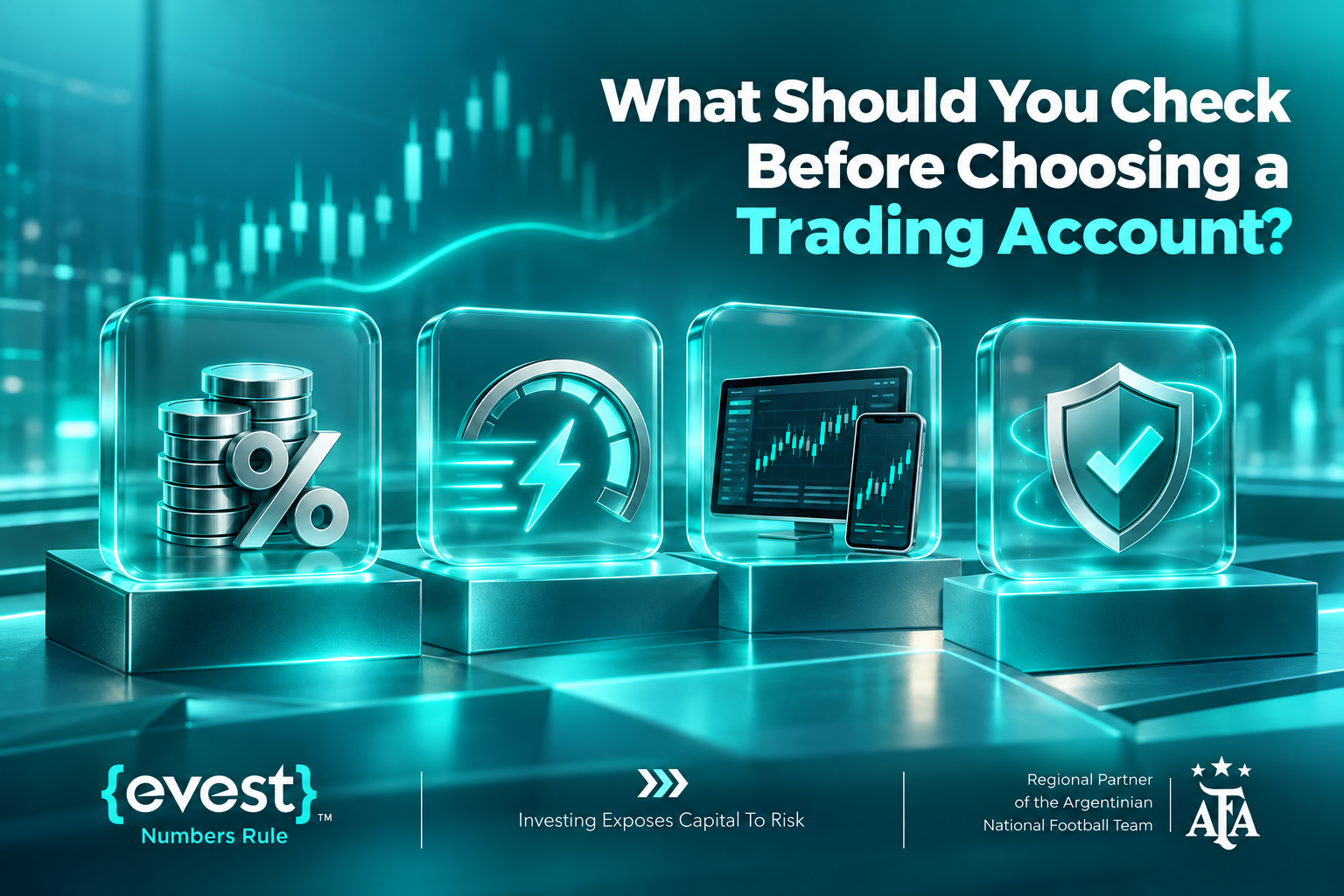
- Confirm that identity checks and account settings are complete.
- Enable available account-security features and keep your login details private.
- Understand whether you are trading CFDs rather than buying underlying securities or coins.
- Review spread, leverage, margin, overnight charges and execution risks.
- Set a defined position size and loss limit; note that stop orders cannot guarantee execution at the requested price.
FAQs
What is the minimum deposit for an Evest live account?
Evest’s published Silver tier begins at $250; other account tiers have higher published ranges. Check your region-specific terms before funding.
Can I open an Evest demo account without depositing?
Evest advertises a free demo account using $25,000 in virtual funds. It is intended for practice, not as real withdrawable money.
Which ID documents does Evest accept?
Its published help guidance lists a valid passport or national ID card. Additional verification documents may be requested based on the account.
Can I start trading before my account is verified?
Requirements may depend on the account and transaction. Evest treats verification as necessary for compliance and complete access; follow the status and instructions displayed in your account rather than assuming all features are immediately available.
Does an Evest account mean I own the underlying assets?
Not when the instrument is a CFD. The position tracks the asset’s price without transferring underlying ownership.
Are trading profits guaranteed after I open an account?
No. All trading involves risk, and leveraged CFDs can magnify losses. Account approval does not indicate expected profitability.