
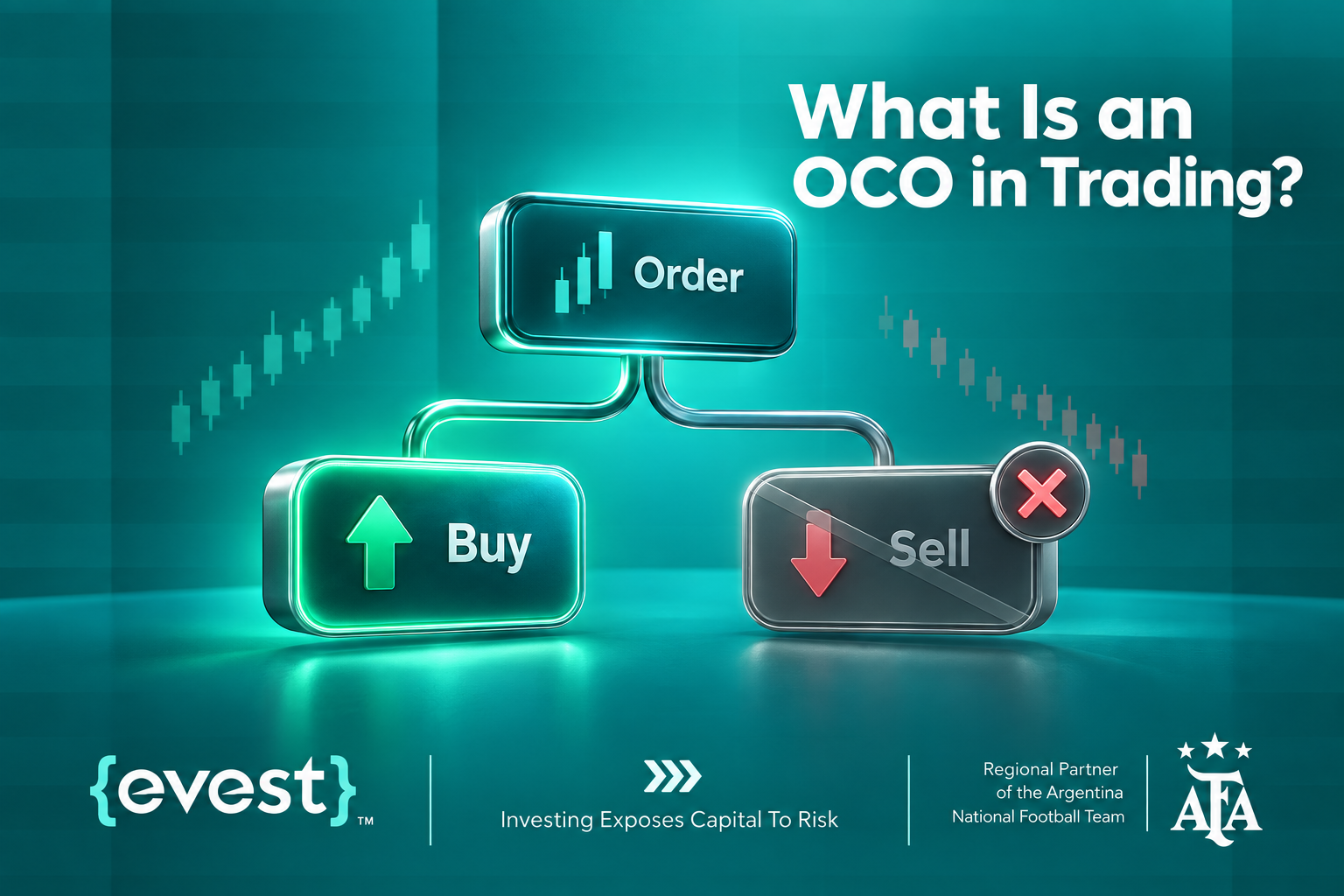
An OCO order helps traders manage two possible market outcomes without leaving both instructions active at the same time. OCO stands for One-Cancels-the-Other, meaning two linked orders are created and, once one executes, the other is canceled automatically. This structure is often used in Forex Trading to manage exits, breakout entries, or predefined risk and profit scenarios. Understanding what is OCO in trading matters because the order connects planning with execution. Instead of reacting after price moves, traders define conditions in advance while still accounting for volatility, slippage, liquidity, and platform-specific execution rules before entering a trade at all.
What Is an OCO in Trading? Forex Trading Meaning
An OCO order, short for One-Cancels-the-Other, is a pair of linked trading instructions built around two mutually exclusive outcomes. When one order is triggered and executed, the other linked order is canceled according to the platform’s rules. The basic OCO order meaning is therefore broader than “Stop Loss plus Take Profit.” That is one common use, but the core concept is the relationship between two orders: only one should remain relevant after the market reaches one predefined condition.
For an existing position, a trader may use one order to close the trade at a favorable target and another to close it if price moves against the position. An OCO structure can also be used before entry. A trader watching a range may place one pending order above resistance and another below support. If the market breaks in one direction and activates the first order, the opposite order is canceled.
OCO orders are therefore trade-management tools, not prediction tools. They do not tell a trader where the market will go; they define what should happen if one of two planned scenarios occurs.
How Does an OCO Order Work?
Two orders are linked so the platform treats them as alternatives rather than independent instructions. A typical sequence works like this:
- The trader identifies two price conditions that should not remain active together.
- Two suitable orders are created around those conditions.
- The orders are linked through OCO functionality when the platform supports it.
- The market reaches one trigger level.
- That order is executed under available market conditions.
- The second linked order is canceled automatically.
The main advantage is that an instruction that is no longer needed is removed. Without that cancellation, the unused order could remain active and create unintended exposure.
Trigger price and execution price are not always identical. In fast markets, price gaps, limited liquidity, or sharp volatility may lead to a fill at a different level. OCO logic manages the relationship between orders; it does not guarantee an exact execution price.
Key Components of an OCO Order
The order types inside an OCO setup depend on the trading objective. Common components include:
- Stop Loss: closes an existing position when price moves against the trader to a predefined level.
- Take Profit: closes a position after price reaches a selected favorable level.
- Buy Stop: a pending order generally placed above the current market price for a potential upward breakout.
- Sell Stop: a pending order generally placed below the current market price for a potential downward breakout.
A trader does not need to use all four. The key is that the two selected instructions represent alternatives. If both must remain active independently, linking them as an OCO would not match the trading plan.
OCO Order Meaning vs Stop Loss and Take Profit
| Order Type | Purpose | How It Works |
| Stop Loss | Defines one defensive exit condition. | Closes a position when the market reaches a specified level to limit potential loss. |
| Take Profit | Defines one profit-taking exit condition. | Closes a position when the market reaches a specified level to secure potential profit. |
| OCO | Describes how two orders are connected. | Links two orders so that the execution of one automatically removes the other. |
| Important distinction | Not every Stop Loss and Take Profit combination is automatically an OCO. | Some platforms support linked exits that behave this way, while others require dedicated OCO functionality. Traders should check how their platform handles linked, pending, and exit orders. |
OCO Order Example in Forex Trading
Consider an OCO order example involving EUR/USD. Assume a trader buys EUR/USD at 1.0850 and identifies 1.0900 as a favorable target and 1.0820 as the level where the original trade idea would no longer be acceptable.
If the platform supports an OCO-style exit setup, the trader can set a profit-side order around 1.0900 and a protective order around 1.0820. If EUR/USD rises and the first order executes, the protective order is removed. If price falls and the protective order executes first, the profit-side instruction is canceled.
The example shows the central purpose of OCO: only the order relevant to the outcome that occurs should execute. It also shows why requested levels should not be treated as guaranteed prices. If EUR/USD moves quickly through a trigger, execution may occur at the best available price.
Another OCO order example involves a breakout. If EUR/USD trades inside a range, a trader may consider a Buy Stop above resistance and a Sell Stop below support. If one side breaks and activates, the opposite pending order can be canceled so it does not remain active after the market has moved.
How to Place an OCO Order?
How to place an OCO order depends on the platform, broker, and order types available. A general process is:
- Define why two alternative orders are needed.
- Choose price levels based on a clear trading plan.
- Select the appropriate order types, such as Stop Loss, Take Profit, Buy Stop, or Sell Stop.
- Enter the position size and review the exposure created by either outcome.
- Link the orders using the platform’s OCO feature if available.
- Confirm that the unused linked order is canceled correctly after execution.
Before submitting, traders should check platform rules for minimum distances, pending-order behavior, price gaps, and order modifications. Never assume two orders are linked simply because they were entered at the same time.
For Evest traders, the practical approach is to review the order-management functions available in the trading environment and confirm how Stop Loss, Take Profit, and pending orders behave before relying on an OCO-style setup. Platform labels can differ even when the underlying logic is similar.
OCO Order Strategy: When to Use OCO Orders?
An OCO order strategy is useful when a trading plan contains two valid outcomes but only one should stay active once the market chooses a direction. The setup should come from the trading plan, not from a desire to automate every decision.
Common situations for when to use OCO orders include:
- Managing an open trade: pairing a profit objective with a protective exit when supported.
- Trading a breakout: placing alternative pending orders above resistance and below support.
- Preparing for volatility: defining both scenarios before a major market move rather than reacting afterward.
- Reducing screen time: letting predetermined instructions manage a trade when constant monitoring is impractical.
An OCO order strategy works best when the trader already knows where the idea succeeds and where it fails. It is less suitable when both orders must remain independently active or the platform cannot reliably link them.
The strategy should also account for position size, spread, volatility, and slippage. Automation can improve consistency, but it cannot make a weak trading setup profitable.
OCO Order Forex Use Cases
The phrase OCO order Forex refers to applying One-Cancels-the-Other logic to currency pairs. Because forex prices can move quickly around economic data, central-bank decisions, or unexpected events, predefined instructions may help traders organize a response before volatility increases.
One common use is breakout trading. A currency pair may consolidate between support and resistance. Instead of predicting which side breaks first, a trader can prepare two alternative pending orders. If an upward breakout activates the Buy Stop, the Sell Stop is canceled. If the downside order triggers first, the opposite order is removed.
Another use is exit management. A trader holding EUR/USD, GBP/USD, USD/JPY, or another pair may want a favorable exit and a defensive exit defined in advance. When those instructions are linked appropriately, the remaining order is removed after the position closes.
OCO orders can support structure in Forex Trading, but they do not protect against every market condition. Spreads can widen, liquidity can fall, and prices can gap. Position size and risk limits still matter.
Benefits of Using OCO Orders
OCO orders can support a disciplined process when they match the strategy. Key benefits include:
- Predefined decisions: two scenarios are planned before price reaches either level.
- Fewer order-management errors: the unused linked order can be canceled automatically.
- Structured risk planning: exit and invalidation levels can be considered before emotions affect the trade.
- Less constant monitoring: predetermined conditions can be managed while the trader is away from the screen.
- Useful breakout logic: two alternative directions can be prepared without intending to keep both orders active.
These are operational benefits, not predictive advantages. OCO orders do not improve market analysis and cannot turn an unprofitable strategy into a profitable one.
Limitations and Risks of OCO Orders
OCO orders also have important limitations:
- Slippage: execution may occur at a different price during fast or thin markets.
- Price gaps: the market can move through a trigger before an order is filled.
- Platform differences: naming, functionality, and available combinations vary.
- Incorrect setup: linking the wrong orders can create unintended results.
- False breakouts: a pending order may trigger before price reverses sharply.
- No profit guarantee: automation controls instructions, not market direction or results.
These limitations matter especially in leveraged markets. The trader should define the maximum acceptable loss before placing the setup and avoid increasing position size simply because the exit process is automated.
Common Mistakes When Using OCO Orders
A common mistake is assuming two orders are automatically linked because they were entered together.
- The trader should confirm the platform’s actual behavior. Another is placing both triggers too close to the current price during volatile conditions, where normal movement may activate one earlier than expected.
- Using identical OCO settings across every currency pair is another problem. It ignores differences in volatility, spread, liquidity, and session behavior.
- EUR/USD during an active session can behave differently from a less liquid pair during quieter hours.
- OCO should also never replace analysis. The order executes a plan; it does not determine whether support, resistance, trend, or breakout assumptions are valid. After execution, traders should verify that the canceled side has actually been removed rather than assuming the process completed correctly.
FAQs
Can an OCO order guarantee the exact execution price?
No. An OCO order manages the relationship between two linked instructions, but execution still depends on available market prices. During volatility, low liquidity, or price gaps, an order may be filled away from the requested trigger level under those conditions.
Are OCO orders only used in forex markets?
No. OCO logic can be used across different financial markets when a platform supports linked orders. The principle stays the same: two alternative instructions are connected so execution of one causes the other to be canceled automatically by the platform.
Can beginners use OCO orders?
Beginners can use OCO orders after understanding the underlying order types and platform behavior. They should first learn Stop Loss, Take Profit, pending orders, position sizing, and execution risk before relying on automated linked trading instructions in live market conditions.
What happens to an OCO order during a price gap?
A price gap can cause one side of an OCO setup to trigger at the next available market price rather than the requested level. The linked cancellation may still occur, but the final execution price can differ materially in practice.
Can an OCO order be changed after it is placed?
Modification rules depend on the platform and order status. In many systems, pending instructions can be adjusted before execution, but traders should confirm whether changing one side affects the linked order, trigger conditions, or cancellation relationship in that platform setup.